

Productivity Tool Integrations for Your Existing Workflow
Prodaff runs quietly alongside Asana, Trello, Slack, Jira and the other tools your team already uses — so tracking time and activity never means changing how people work.
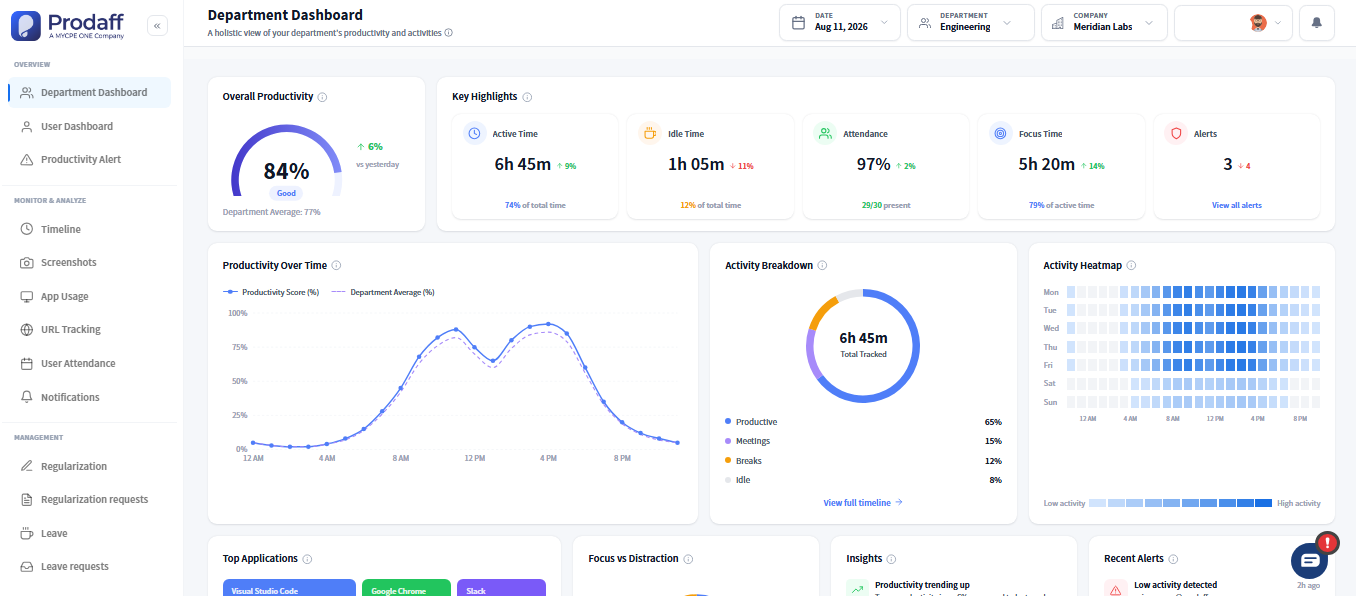
Connect Prodaff with the Tools Your Team Already Uses
- Keep planning in Asana, Trello, Jira or Monday — Prodaff tracks alongside it
- Mirrors your existing project and task names, so time entries line up automatically
- Sends attendance and productivity alerts to Slack or Microsoft Teams
- Syncs with Google Calendar so leave and meetings reflect in reports
- No IT overhead — nothing to provision on servers or configure through complex APIs
For Project Leads
See tracked time roll up against the same tasks and projects you already manage in Asana, Trello or Jira.
For IT & Admins
Nothing to provision or maintain — Prodaff runs on the desktop and reads your existing workflow, not the other way around.
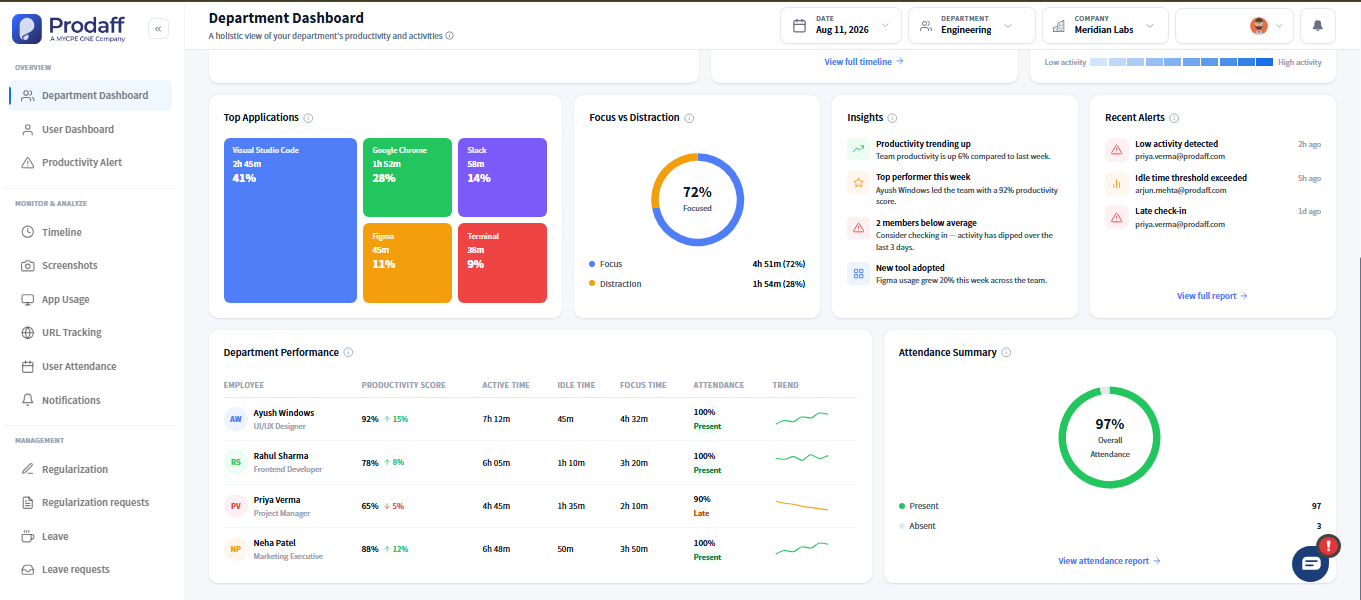
Core Features of Productivity Tool Integrations
Asana & Trello
Stay aligned with how work is planned.
- Matches tracked time to existing boards and tasks
- No duplicate task entry
- Keeps planning and tracking in sync
Slack
Visibility inside the channels your team already watches.
- Attendance and idle-time alerts in Slack
- Daily summaries without leaving chat
- Configurable per channel
Microsoft Teams
Same visibility, right inside Teams.
- Alerts for idle time and attendance
- Fits alongside existing Teams workflows
- No separate login required
Google Calendar
Time off and meetings, reflected automatically.
- Leave and holidays sync to reports
- Meeting time distinguished from focus time
- One calendar, no double entry
Jira
Development time, tied to the sprint.
- Matches tracked hours to epics and tickets
- Shows where sprint time really goes
- No changes to your existing board
How Software Connections Sync Your Data
Keep your existing tools
Asana, Trello, Jira, Slack, Teams or Google Calendar stay exactly as they are — nothing to migrate.
Prodaff tracks alongside
Desktop-based tracking mirrors your project and task names automatically, in the background.
See it all in one place
Attendance, focus time and task-level activity, lined up with the plans your team already made.
Where Workflow Automation Saves the Most Time
- 01
Project Leads
Compare tracked time against Asana or Trello boards without extra setup
- 02
Engineering Teams
Match tracked hours to Jira sprints and tickets
- 03
Remote Teams
Get attendance alerts in Slack or Microsoft Teams
- 04
Ops & HR
Keep leave and holidays in sync with Google Calendar
Why Prodaff Outperforms Other Integration Approaches
| Feature | Prodaff | Others |
|---|---|---|
| Setup time | Minutes | Days of config |
| Works with tools you already use | Yes, no migration | Often requires switching |
| Extra logins for your team | None | Usually required |
| IT overhead | Lightweight, desktop-first | Server setup & upkeep |
| Alerts where your team already is | Slack & Teams | Separate app only |
Frequently Asked Questions
Prodaff supports productivity tool integrations with common HR, payroll, and project management platforms, so time and task data flows into the systems your team already uses instead of living in a separate silo.
Software connections sync data automatically on a schedule, so updates in Prodaff, like approved hours or task changes, reflect in connected tools without manual exports or re-entry.
Workflow automation can trigger actions like sending approved timesheets to payroll or flagging attendance exceptions to HR, cutting down on manual review steps for repetitive tasks.
Most integrations use guided setup within the app, so most teams can connect tools without engineering help; more custom workflow automation may involve the API for advanced cases.
Yes. Integrations and the data they sync can be scoped by team or department, so only the groups that need a given connection have it active.
Ready to get started?
Try Prodaff for free and see how easily it fits alongside the tools your team already uses.