

Consulting Time Tracking for Client Engagements
Prodaff empowers consulting firms to monitor billable hours, optimize utilization, and prevent margin loss — all without disrupting workflows or client trust.
Built for Firms That Bill by Engagement
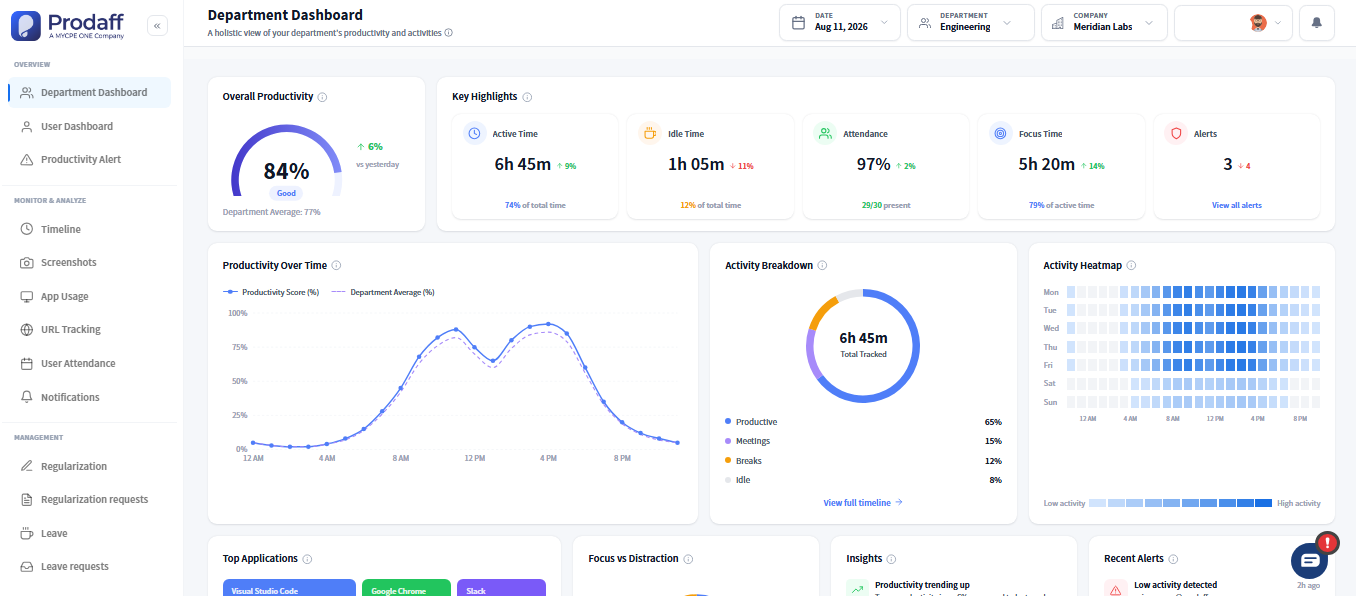
- Track billable vs. non-billable time by engagement or workstream
- Monitor utilization across partners, consultants, and teams
- Prevent scope creep and margin erosion with real-time tracking
- Generate branded reports for billing, QBRs, or SOW reviews
- Balance performance and privacy with ethical time capture
For Managing Partners & Client Leads
Get clarity into delivery, profitability, and value — with zero extra admin effort.
For Operations & Admin Teams
Track hours, monitor utilization, and automate reporting — from one trusted system.
Core Features of Consulting Time Tracking
Engagement-Level Time Tracking
Track hours by client, workstream, or deliverable.
- Filter by role, service line, or pricing model
- Track retained vs. fixed-fee engagements
- Capture time across internal and client-facing work
Billable Ratio & Margin Guardrails
Flag non-billables and prevent scope overrun.
- Auto-tag billable vs. internal hours
- Track margin trends by engagement
- Highlight out-of-scope work automatically
Utilization Dashboards
Real-time chargeability insights by team or individual.
- Spot under or over-utilization
- Filter by department, role, or billing tier
- Identify resource gaps across projects
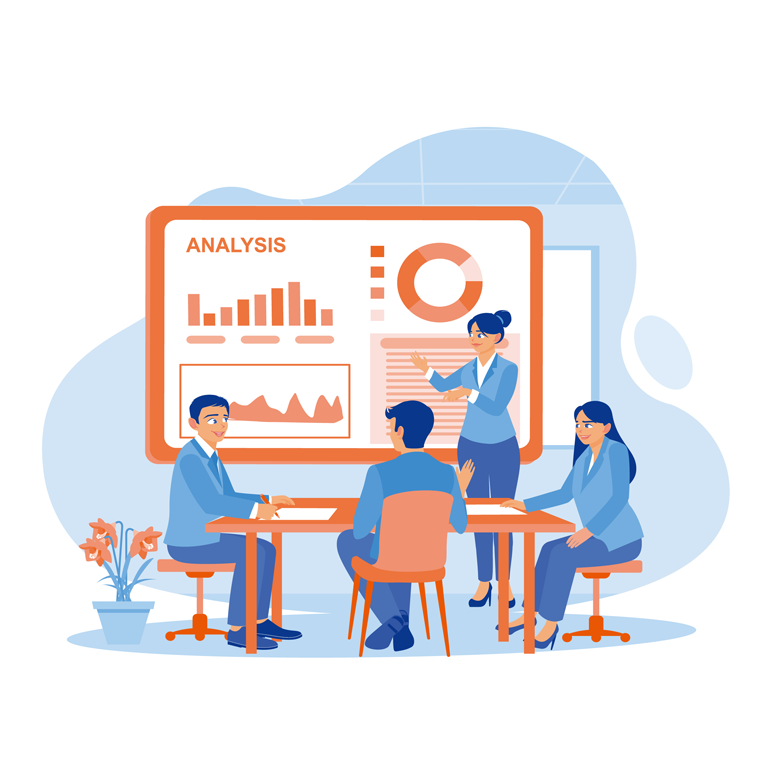
Executive & Client Reporting
Share reports tailored to billing, QBRs, or SOWs.
- Export annotated logs with context
- Schedule reports by client or date
- Share branded links or PDFs
Non-Invasive Activity Logging
Silent and secure — never invasive.
- No screen or keystroke recording
- Background tracking only during working hours
- Role-based access to protect consultant autonomy
How Consultants Track Billable Hours by Project
Background Logging While Consultants Work
Prodaff silently tracks time across projects, clients, and roles without interrupting daily workflows or requiring manual entries.
Billable Classification and Scope Control
Hours are auto-tagged as internal or client-facing, aligned to pricing models or scope to support profitability checks.
Utilization and Delivery Reporting
Admins and partners export engagement data for billing, dashboards, or firmwide reviews. Reports can be annotated and branded.
Where Consulting Teams Rely on Prodaff
- 01
Engagement Profitability
Compare scoped vs. delivered hours
- 02
Utilization Optimization
Improve resource allocation and chargeability
- 03
Client Validation
Back up invoices with deliverable-linked reports
- 04
Partner Dashboards
Review time trends across verticals or roles
- 05
Retention Analysis
Spot burnout or over-allocation before it hurts
What Project Management Looks Like With Prodaff
| Feature | Prodaff | Traditional Tools |
|---|---|---|
| Built-in Engagement Tags | Yes | Manual Setup |
| Background Logging | Silent Mode | Manual Entry |
| Branded Client-Ready Reports | Included | Limited Formats |
| Billable vs. Internal Detection | Auto-Tagged | Manual |
| Role-Based Visibility | Granular | Flat Permissions |
Why Prodaff Works Better for Consulting Teams
Yes — tag by client, workstream, or pricing model.
Not at all. Prodaff works silently in the background.
Absolutely — export as branded PDFs or live view-only links.
Yes — all logs are encrypted, access is role-based, and privacy is enforced.
Yes — dashboards update in real time for partners and admin teams.
Ready to get started?
Try Prodaff for free and see how easy it is to track time, boost productivity and manage teams with confidence.