

PC monitoring software in 2026 is no longer just about watching a screen or counting mouse clicks.
For businesses, the best tools now combine time tracking, app and website activity, attendance, productivity analytics, project visibility, and privacy controls in one system. The goal is not to collect the most data. It is to collect the right data and use it responsibly.
That distinction matters because “PC monitoring” can mean two very different things. Hardware monitoring tools track CPU temperature, memory, storage, and device health. This guide focuses on workplace PC monitoring software: tools used by businesses to understand work activity, time, productivity, and employee computer usage across in-office, hybrid, and remote teams.
We reviewed the leading options based on monitoring depth, ease of use, privacy controls, reporting, integrations, pricing, and the type of team each platform serves best. Pricing changes frequently, so the figures below reflect publicly listed vendor pricing available in September 2026 where applicable.
Key Takeaways
- The best PC monitoring software for most businesses should connect time, activity, and task data instead of relying on screenshots alone.
- Prodaff is a strong fit for teams that want productivity visibility, attendance, task-linked time tracking, and configurable monitoring in one platform.
- Security-heavy tools such as Teramind suit organizations that need insider-threat controls and deep user activity monitoring.
- Time-focused platforms such as Clockify and Toggl Track are easier to adopt but provide less detailed activity monitoring.
- Transparent policies, employee notice, role-based access, and clear data-retention rules matter as much as the software itself.
Best PC Monitoring Software for 2026 at a Glance
| Tool | Best for | Starting price* | Standout capability |
|---|---|---|---|
| Prodaff | Productivity visibility with privacy controls | $7/user/month monthly | Time tracking, idle time, screenshots, reporting, app usage on Grow |
| Hubstaff | Remote, hybrid and field teams | $4.99/user/month annually | Time tracking, screenshots, activity levels, app/URL tracking, workforce analytics |
| AnyViewer | Remote access and IT support | From $3.99/month for Solo yearly | Remote access, screen wall, file transfer, unattended support |
| ActivTrak | Workforce analytics | $10/worker/month | Activity tracking, productivity trends, workforce analytics |
| Teramind | Security and compliance | Vendor plan dependent | User activity monitoring, behavior analytics, policy controls |
| DeskTime | Automatic time tracking | $6.42/user/month annually | Automatic tracking, productivity calculations, app/URL tracking |
| Insightful | Workforce analytics and process visibility | $8/seat/month annually | Activity analytics, capacity analysis, screenshots, app/website usage |
| Clockify | Budget-friendly time tracking | Free plan available | Timers, timesheets, reports, project and billable-hour tracking |
| Time Doctor | Remote teams and BPOs | $6.67/user/month annually | Time tracking, screenshots, activity and app/web reports, AI reports on higher plans |
| Toggl Track | Simple, low-friction tracking | Free; Starter $9/user/month annually | Time tracking, reporting, billable rates, capacity and planning tools |
*Pricing is based on publicly listed vendor information available in September 2026 and may change. Always verify current pricing before purchasing.
What Should PC Monitoring Software Actually Do in 2026?
A good monitoring tool should answer business questions, not simply produce more activity logs. Managers need to know whether time is being spent on the right work, whether workloads are balanced, whether attendance records are accurate, and whether teams have enough capacity to meet deadlines.
For most organizations, the useful feature set now includes:
- Automatic or session-based time tracking
- Active and idle time measurement
- Application and website usage
- Task- or project-level time allocation
- Attendance and timesheet reporting
- Configurable screenshots rather than mandatory continuous capture
- Role-based access to sensitive activity data
- Exportable reports for payroll, billing, or operations
- Clear privacy controls and employee visibility
Businesses that primarily need verified work hours may be better served by employee time tracking software or an online timesheet system. Teams that need deeper work-pattern analysis should look at productivity monitoring and workforce analytics features.
1. Prodaff – Best for Balancing Productivity, Time Tracking and Privacy
Prodaff is built for businesses that need clear visibility into employee work activity without turning monitoring into constant surveillance. Its desktop-first model combines time tracking, idle-time detection, screenshots, reporting, app usage on its Grow plan, and broader attendance and workforce controls as plans scale.
Prodaff is especially relevant when the goal is to move from raw activity logs to productivity monitoring software that managers can use for workload, focus, and performance conversations.
Key Features:
- Advanced time and idle-time tracking
- Configurable screenshot monitoring
- Application usage tracking on Grow
- Advanced reporting and admin controls
- Attendance, task controls and leave management on applicable higher plans
- 14-day free trial with no credit card required
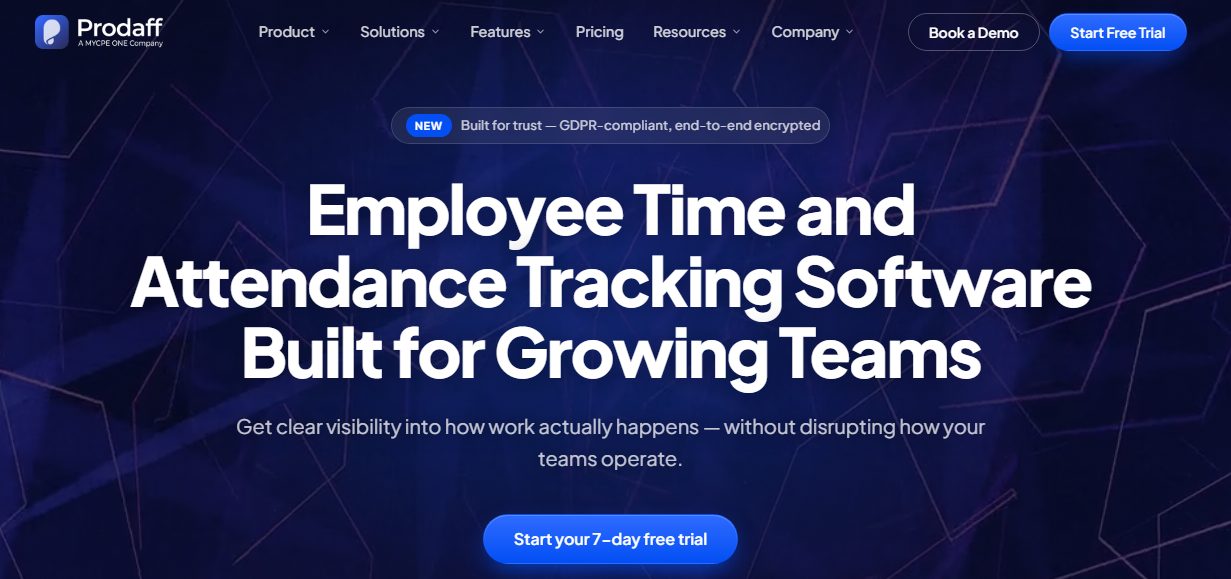
Best for: A good fit for growing businesses, remote teams, BPOs, professional services firms, and operations teams that want one system for time, attendance, and productivity visibility.
Pricing: Starter is listed at $7 per user/month on monthly billing, while Grow is $10 per user/month. Discounted quarterly and annual billing options are available.
2. Hubstaff – Best for Distributed and Field Teams
Hubstaff remains one of the better-known options for teams that need time tracking plus employee activity data. It combines timers, automated timesheets, screenshots, app and URL tracking, payroll-related workflows, and optional location features for field teams.
Key Features:
- Time and activity tracking
- Automated timesheets
- Configurable screenshots
- App and URL tracking
- Scheduling, attendance and payroll features on higher plans
- Workforce analytics through Hubstaff Insights
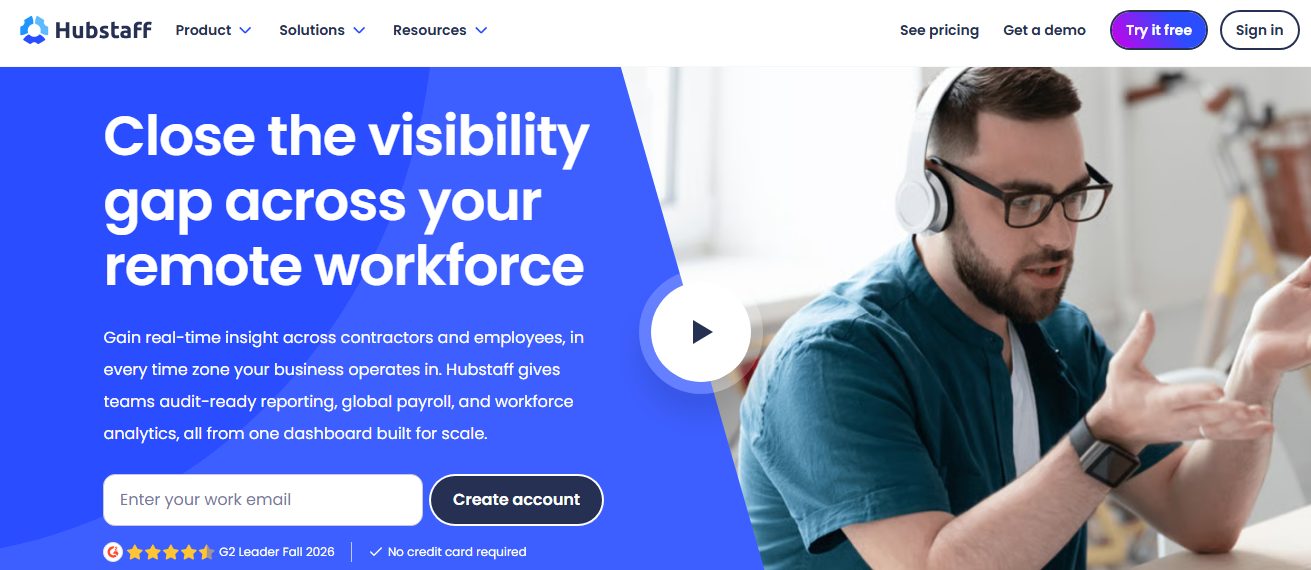
Best for: Remote agencies, distributed teams, professional services companies, and businesses that also manage field employees.
Pricing: Annual pricing starts at $4.99 per seat/month for Starter. Grow is listed at $7.50, Team at $10, and Enterprise at $25 per seat/month when billed annually.
3. AnyViewer – Best for Remote IT Support, Not Workforce Analytics
AnyViewer appears in many PC monitoring lists because it can remotely view and control computers, but its core purpose is remote desktop access rather than employee productivity analytics. That makes it useful for IT support teams, though it should not be treated as a direct replacement for workforce monitoring software.
Key Features:
- Unattended remote access
- Multi-device screen wall
- File transfer
- Privacy Mode during remote sessions
- Mass deployment and role permissions on business plans
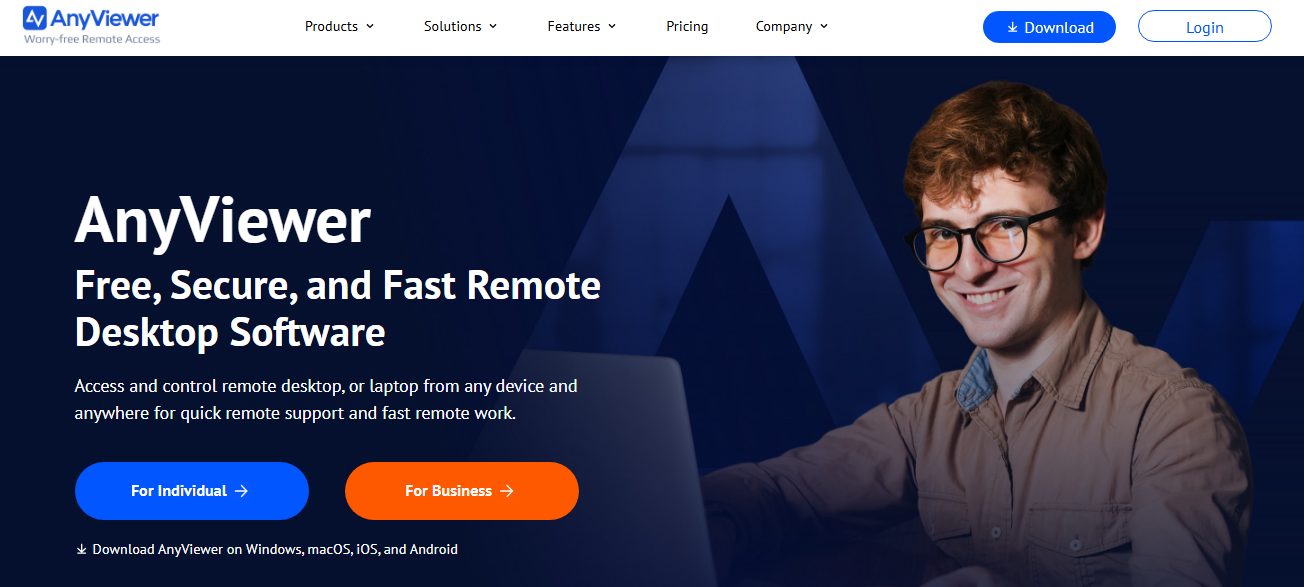
Best for: IT teams, help desks, multi-site organizations, and administrators who need remote support and device access more than productivity scoring.
Pricing: Solo yearly pricing is publicly listed from $3.99/month, while team and enterprise plans are priced higher based on deployment needs.
4. ActivTrak – Best for Workforce Analytics
ActivTrak focuses on turning digital work activity into workforce analytics. Rather than centering the product on keystroke logging, it emphasizes activity visibility, productivity trends, utilization, and capacity signals that leaders can use for workforce planning.
Key Features:
- Automatic time and work activity tracking
- Activity summaries by user and team
- Productivity trends
- Real-time visibility
- Workforce management and optimization tiers
- Optional screen-detail add-ons for more granular monitoring
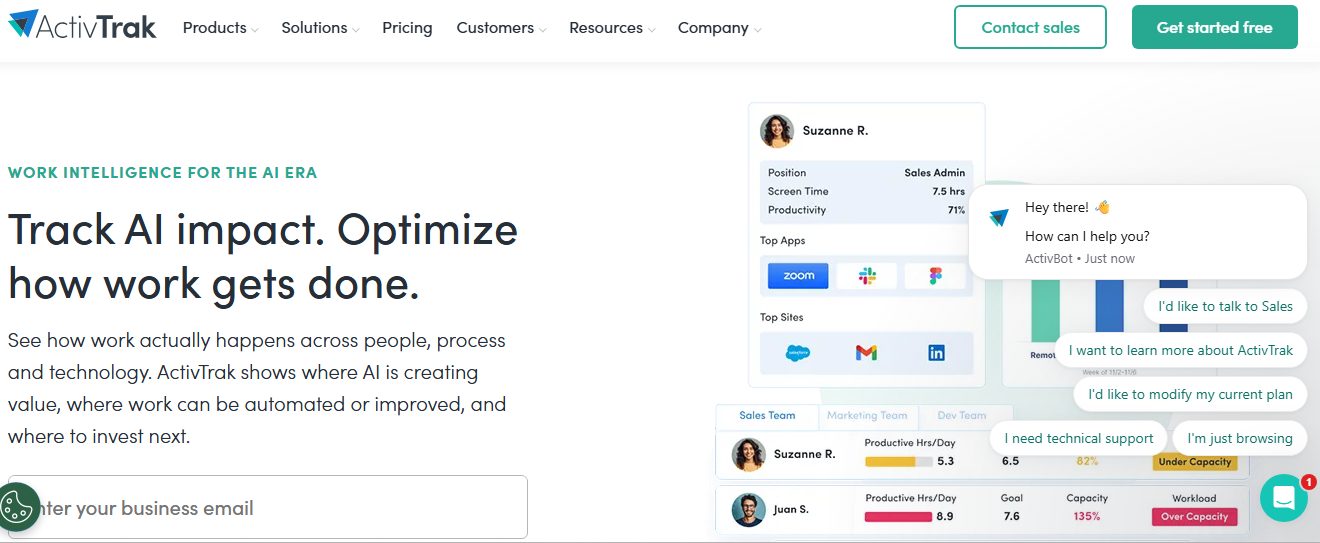
Best for: Organizations that want workforce intelligence and operational analytics without making deep surveillance the default.
Pricing: ActivTrak offers a free plan for up to three people. Paid plans are publicly listed from $10 per worker/month on annual contracts, with higher tiers at $15 and $17.
5. Teramind – Best for Security-First Monitoring
Teramind is positioned toward organizations that need deeper visibility into user behavior, insider-risk signals, policy violations, and sensitive activity. It is more security-oriented than simple time tracking tools, so implementation requires stronger governance, access controls, and employee communication.
Key Features:
- User activity monitoring
- Behavior analytics
- Session and screen monitoring
- Policy rules and alerts
- Insider threat and compliance use cases
- Detailed investigation capabilities
Best for: Security-sensitive organizations, regulated industries, and companies that need more than attendance or productivity reporting.
Pricing: Pricing varies by edition, deployment and monitoring requirements. Buyers should request or verify current vendor pricing before purchase.
6. DeskTime – Best for Automatic Time Tracking
DeskTime is designed around automatic time tracking and productivity classification. It records time in the background and can classify apps, websites, and work patterns so teams spend less time maintaining manual timesheets.
Key Features:
- Automatic time tracking
- Productivity calculations
- App and URL tracking
- Document title tracking
- Project and idle-time tracking
- Private time and screenshots on applicable plans
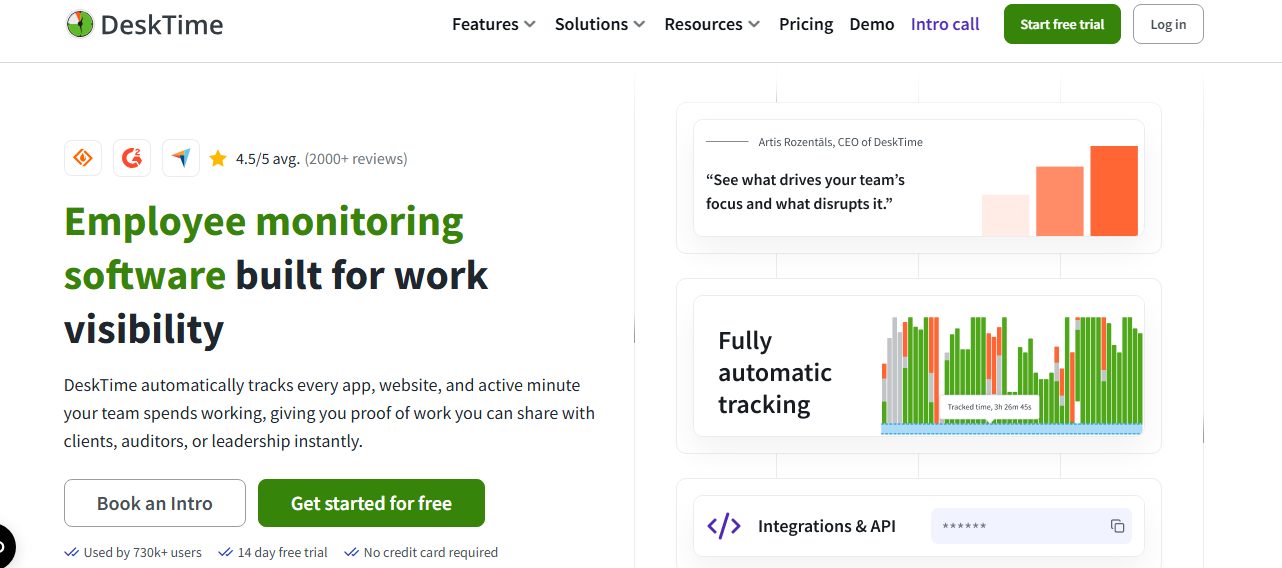
Best for: Small and mid-sized teams that want automatic tracking with a relatively straightforward productivity layer.
Pricing: DeskTime Pro is listed at $6.42 per user/month when billed annually, while Premium is $9.17 per user/month annually.
7. Insightful – Best for Linking Workforce Activity to Capacity
Insightful has evolved from straightforward employee monitoring into a broader work-intelligence platform. Its workforce analytics plan combines real-time visibility, app and website usage, screenshots, capacity analysis, and productivity reporting.
Key Features:
- Real-time activity overview
- Capacity analysis
- App and website usage
- Productive-time analysis
- Screenshots
- AI adoption and software-utilization reporting on current plans
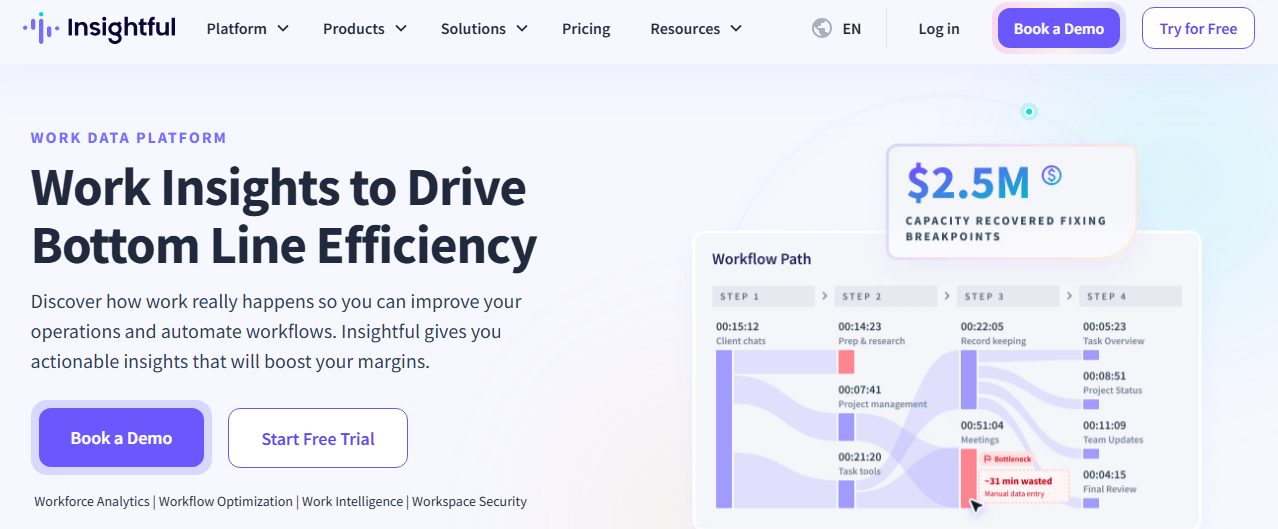
Best for: Operations leaders, finance leaders, and distributed teams that want to analyze how work gets done and where capacity is being used.
Pricing: Workforce Analytics is publicly listed at $8 per seat/month billed annually. Higher workflow and combo plans are also available.
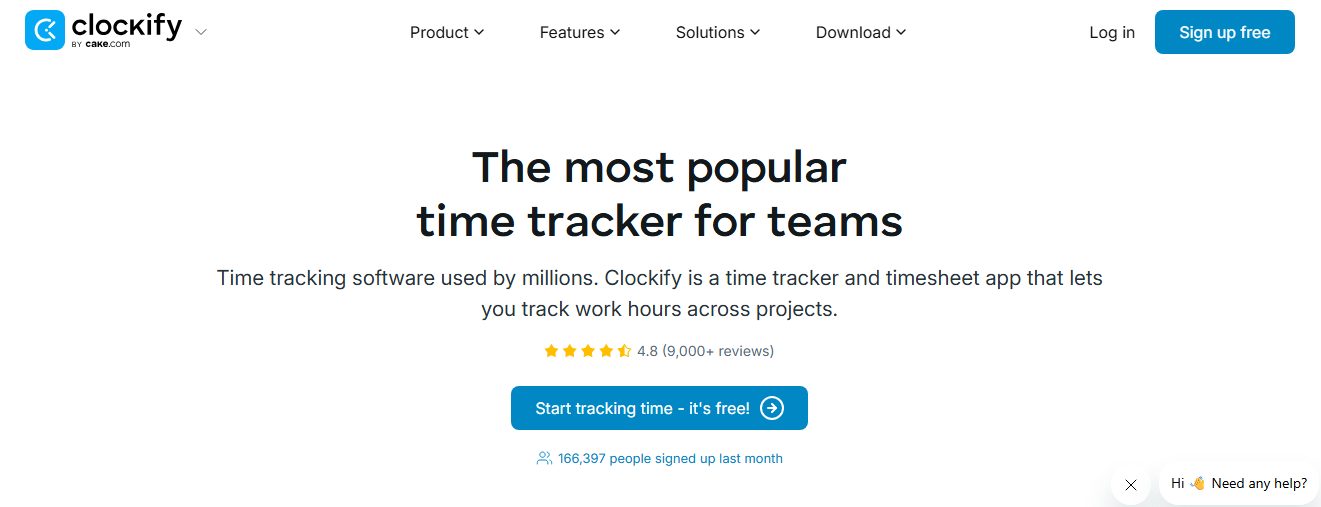
8. Clockify – Best Free Option for Basic Time Tracking
Clockify is primarily a time tracking platform, not a heavy employee surveillance tool. Its appeal is simplicity: teams can track time by project, compare billable and non-billable hours, generate reports, and adopt the software with relatively little friction.
Key Features:
- Free time tracking plan
- Project and client tracking
- Timesheets and reports
- Billable-hour tracking
- Kiosk and attendance-related features on paid tiers
- Integrations with common work tools
Best for: Startups, small businesses, freelancers, and teams that need time records more than detailed employee activity monitoring.
Pricing: A free plan is available. Paid plan pricing varies by tier and billing cycle, so current vendor pricing should be checked when comparing total cost.
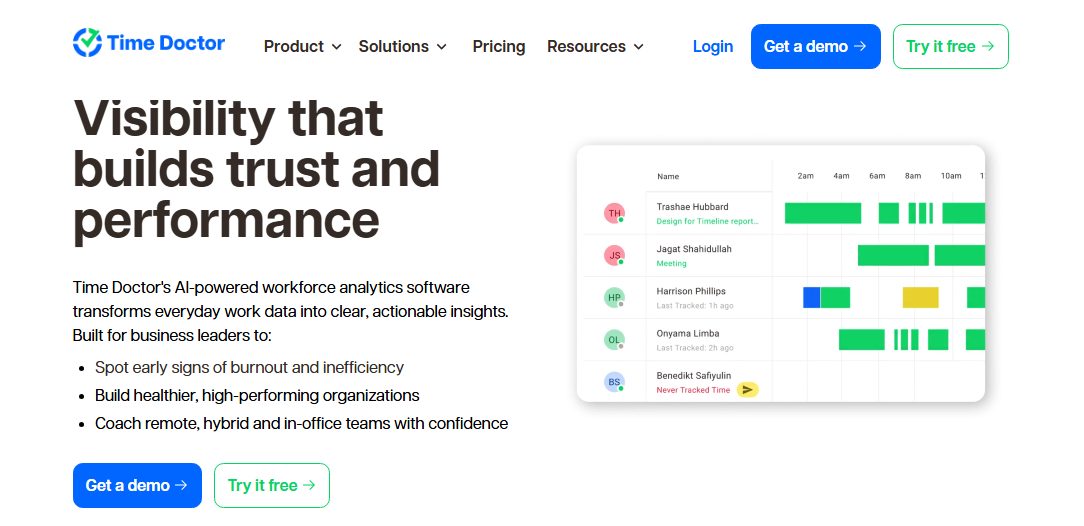
9. Time Doctor – Best for BPOs and Remote Accountability
Time Doctor combines time tracking with stronger monitoring features than many lightweight time apps. Depending on plan, it can provide screenshots, web and app usage reporting, attendance, productivity ratings, unusual-activity signals, and workforce reporting.
Key Features:
- Automatic time tracking
- Screenshots
- Web and app usage reporting
- Attendance and scheduling on Standard
- Productivity ratings
- Benchmarks AI and unusual-activity reports on Premium
Best for: BPOs, agencies, outsourced teams, and remote organizations that want detailed time and activity visibility.
Pricing: Annual pricing is listed at $6.67 per user/month for Basic, $11.67 for Standard, and $16.70 for Premium. Enterprise pricing is custom.
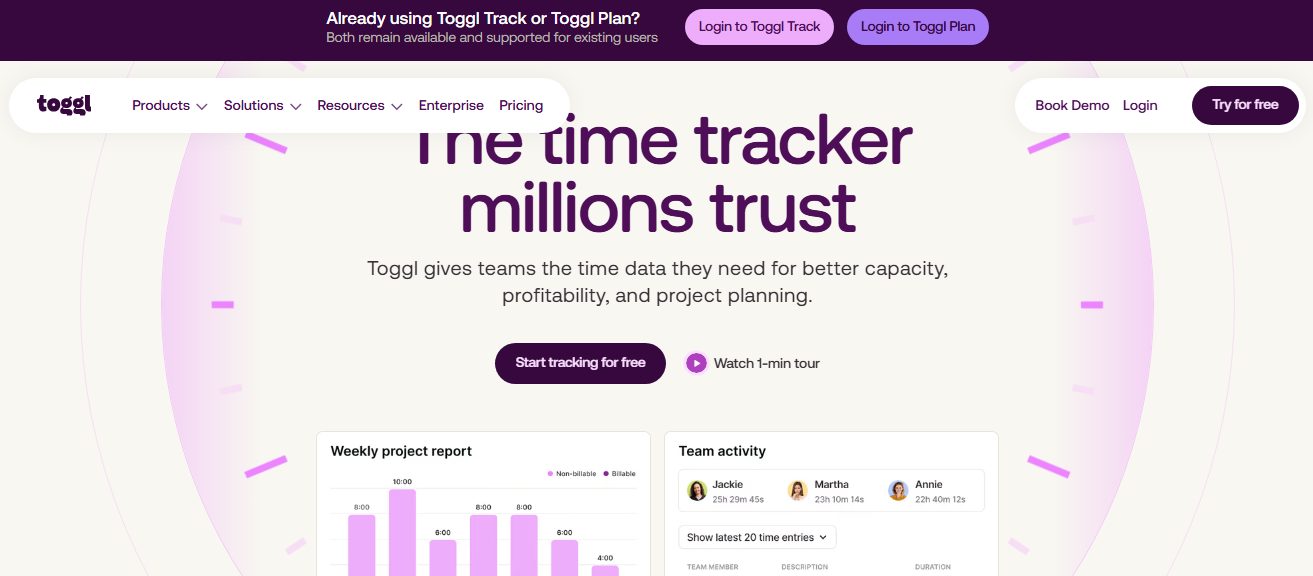
10. Toggl Track – Best for Low-Friction, Trust-Based Time Tracking
Toggl Track is a strong option for teams that want employees to track time without a surveillance-heavy experience. It emphasizes timers, reporting, billing, planning, and capacity rather than screenshots or keystroke logging.
Key Features:
- Manual and real-time timers
- Calendar integrations
- Team and project reporting
- Billable rates
- Planning and capacity features
- PTO and public-holiday support on paid plans
Best for: Consultancies, creative teams, professional services firms, and organizations that prioritize adoption and simple time reporting.
Pricing: A free tier is available. Starter is listed at $9 per user/month when billed annually; paid tiers add deeper team and planning capabilities.
How to Choose the Right PC Monitoring Software
The right platform depends less on the longest feature list and more on what problem you are trying to solve. Use the following filters before comparing vendors.
1. Start with the business problem
If payroll accuracy is the issue, prioritize time tracking and timesheets. If managers lack visibility into remote work, look for activity and productivity reporting. If data loss or insider risk is the concern, choose a security-focused platform.
2. Match monitoring depth to the role
A software developer, accountant, support agent, sales representative, and field technician do not work the same way. Avoid forcing one monitoring policy onto every job when the data is not equally relevant.
3. Decide whether screenshots are necessary
Screenshots can support audits or client-billing verification, but they also increase privacy concerns and data-retention risk. Use configurable frequency, role-based access, and clear retention periods.
4. Check reporting before buying
Dashboards should help managers make decisions. Look for project, attendance, productivity, and utilization views instead of choosing a product solely because it captures more signals.
5. Review privacy and legal requirements
Monitoring laws vary by location. Organizations should provide clear notice, document legitimate business purposes, restrict access to collected data, and involve legal or HR teams where required.
6. Pilot before company-wide rollout
Run the software with one department first. A short pilot can expose bad productivity labels, noisy alerts, workflow gaps, and employee concerns before they become company-wide problems.
PC Monitoring vs. Employee Time Tracking: What Is the Difference?
Employee time tracking answers a narrow question: how many hours were worked and where was that time allocated? PC monitoring adds context about what happened during those hours, such as app usage, websites, active versus idle time, screenshots, or productivity classifications.
For many businesses, combining both functions is more useful than buying separate systems. Prodaff, for example, can connect work-hour records with productivity activity and automatic attendance tracking, which reduces the need to reconcile separate logs at the end of a pay period.
What to Watch Out for Before You Monitor Employee PCs
The biggest risk with PC monitoring software is not technical. It is using activity data without context. A high activity score does not automatically mean high-quality output, and low keyboard or mouse activity does not mean someone is unproductive. Meetings, research, calls, planning, review work, and creative tasks may produce less visible input activity while still creating business value.
Before rollout, define what the organization will collect, why it is needed, who can access it, how long it will be retained, and how employees can challenge inaccurate classifications. Those rules make the system easier to defend, easier to manage, and more useful for performance conversations.
Final Thoughts
The best PC monitoring software for 2026 is not the platform that watches the most. It is the one that gives your business enough visibility to improve operations while keeping the monitoring proportionate to the problem you are solving.
Prodaff fits teams that want a middle ground between simple time tracking and surveillance-heavy monitoring. Hubstaff is strong for distributed and field teams. ActivTrak and Insightful are better suited to workforce analytics. Teramind is designed for deeper security requirements, while Clockify and Toggl Track work well when basic time visibility is enough.
Whatever platform you choose, evaluate it against real workflows, not a feature checklist. Start with a pilot, involve employees early, and make sure every data point you collect has a clear business purpose.
Frequently Asked Questions
PC monitoring software for businesses records work-related computer activity such as time, app and website usage, active and idle periods, screenshots, attendance, or project activity. The exact level of monitoring depends on the platform and configuration.
There is no single best platform for every business. Prodaff is a strong choice for balanced productivity and time visibility; Hubstaff suits distributed teams; ActivTrak and Insightful focus on workforce analytics; Teramind serves security-heavy environments; and Clockify or Toggl Track fit teams that mainly need time tracking.
Yes. Depending on the product, it can track active and idle time, applications, websites, screenshots, task time, attendance, and other work signals. Employers should configure only the data they actually need and follow applicable notice and privacy requirements.
No. Workplace PC monitoring software focuses on employee work activity, time, attendance, and productivity. Hardware monitoring software focuses on technical device health such as CPU temperature, memory utilization, storage, fan speed, and system performance.
Business monitoring tools commonly use per-user subscription pricing. In the products reviewed here, entry-level paid plans range from roughly $5 to $10 per user per month for many workforce-monitoring platforms, while advanced security and enterprise products can cost more or use custom pricing.
Start with accurate time tracking, app and website visibility, idle-time detection, project or task reporting, privacy controls, exportable reports, and role-based access. Add screenshots, attendance, or security monitoring only when your use case requires them.
Be transparent about what is collected, explain the business purpose, give employees access to relevant data where possible, avoid unnecessary monitoring outside work hours, and use productivity information as context rather than as an automatic performance score.