Tracking overtime is easy right up until it is not.
A late clock-out, an unrecorded remote-work session, a missed break, or a manual timesheet correction can quickly affect payroll, budgets, and employee trust. For U.S. employers, the compliance side matters too. Under the Fair Labor Standards Act (FLSA), covered nonexempt employees generally must receive at least 1.5 times their regular rate of pay for hours worked over 40 in a workweek, unless an exemption applies.
That makes accurate time data the starting point, not the finish line.
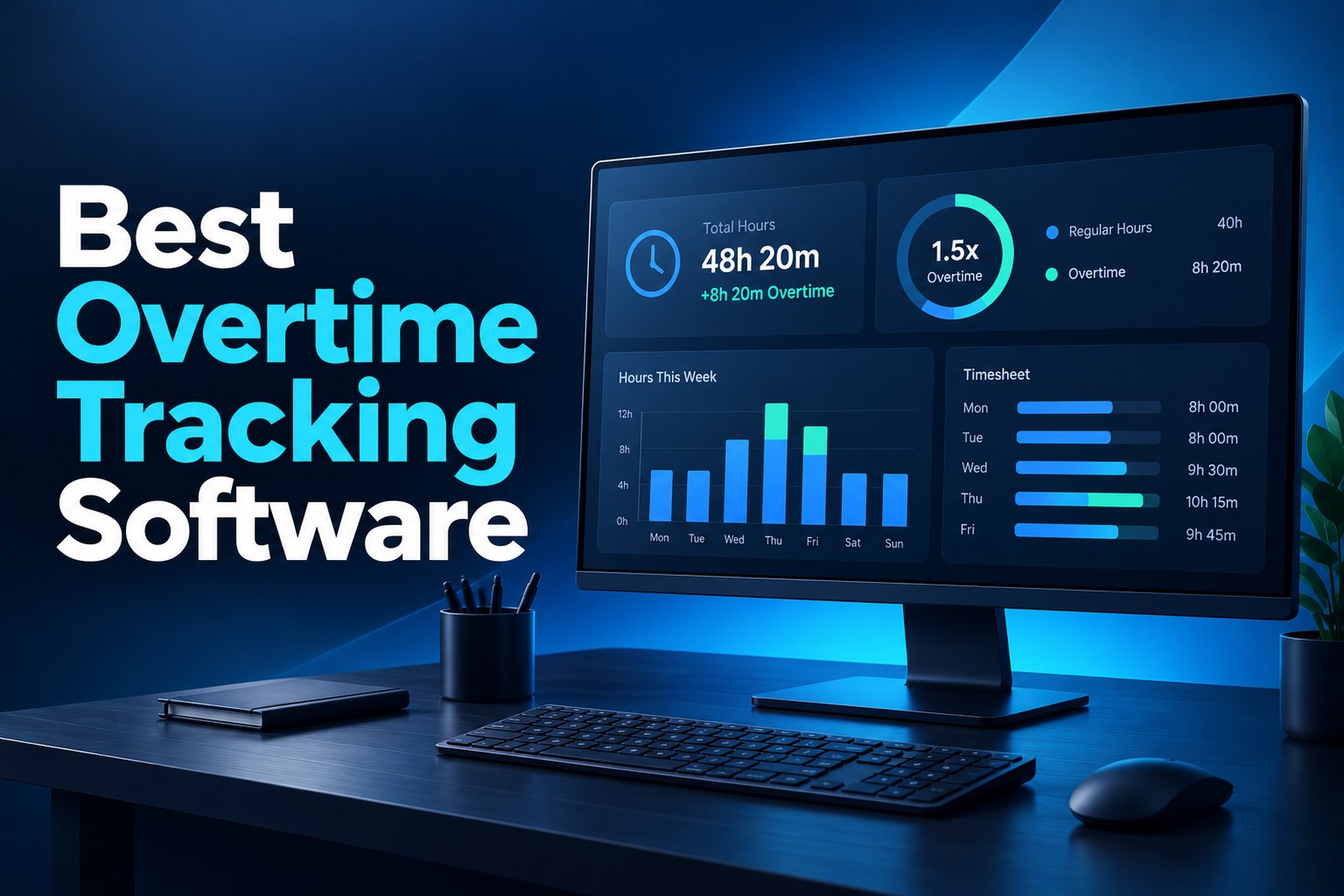
The best employee overtime tracking apps in 2026 help businesses capture hours consistently, surface overtime patterns before payroll closes, document attendance, and give managers cleaner records for review. Some also add scheduling, approvals, payroll integrations, GPS, screenshots, or productivity analytics depending on how and where the team works.
This guide compares seven tools worth considering in 2026 and explains which features matter most before you choose one.
Key Takeaways
- Accurate overtime management starts with reliable work-hour and attendance records, not end-of-week estimates.
- Under the FLSA, covered nonexempt U.S. employees generally earn overtime after 40 hours in a workweek at not less than 1.5 times the regular rate.
- Look for alerts, approvals, timesheets, idle-time handling, reporting, and payroll/export options that match your workflow.
- Prodaff is a strong fit for desktop-based teams that want time, attendance, idle-time, task, and productivity visibility in one system.
- Field and shift-based teams may prioritize GPS, geofencing, scheduling, and mobile clock-in features instead.
Why Employee Overtime Tracking Matters in 2026
Overtime is more than a payroll line item. It affects labor cost forecasting, staffing decisions, employee workload, and wage-and-hour compliance. When time records are scattered across spreadsheets, chat messages, manual punch corrections, and project tools, managers often see overtime only after it has already happened.
A dedicated time tracking system can give managers a clearer view of actual work hours before payroll is finalized. That visibility can help teams identify recurring overtime by employee, project, department, or shift and decide whether the issue comes from understaffing, uneven workloads, missed scheduling controls, or project overruns.
The legal point is straightforward but important. The U.S. Department of Labor states that covered nonexempt employees generally must receive overtime pay for hours worked over 40 in a workweek at a rate of at least one and one-half times the regular rate. Employers also need to account for applicable state and local rules, which may impose additional requirements.
Time tracking software does not replace legal or payroll review. It gives the business a more reliable record of when work occurred so overtime rules can be applied correctly.
Which Features Should an Overtime Tracking App Have?
Do not choose an app just because it has a timer. For overtime management, the useful features are the ones that reduce ambiguity before payroll closes.
- Accurate time capture: Automatic or easy start/stop tracking reduces reliance on memory and manual reconstruction.
- Attendance and schedule visibility: Managers should be able to compare expected hours with actual work time.
- Overtime alerts or thresholds: Notifications can flag employees approaching configured hour limits before extra time grows.
- Timesheet review and approvals: A review step helps managers catch missing time, duplicate entries, and unusual hours.
- Idle-time and break handling: Desktop teams need a practical way to separate inactive periods, breaks, meetings, and real work.
- Reports and exports: Look for employee, project, task, date, or team-level reports that can support payroll and workforce planning.
- Payroll or accounting workflow support: Direct integrations are useful, but reliable CSV, Excel, or API exports can also work well.
- Role-based access and privacy controls: Managers need visibility without giving every user unnecessary access to workforce data.
7 Best Employee Overtime Tracking Apps in 2026
The right choice depends on whether you manage desktop teams, remote employees, hourly shift workers, field staff, or project-based teams. Here is a quick comparison before the detailed reviews.
| App | Best for | Overtime-related strength | 2026 pricing snapshot |
|---|---|---|---|
| Prodaff | Desktop, remote and hybrid teams | Time + attendance + productivity visibility | From $7/user/month; annual plans from $5 |
| Clockify | Budget-conscious teams | Attendance and overtime on paid Standard+ | Free plan; Standard from $5.49/seat/month annually |
| Time Doctor | Remote and distributed teams | Workforce analytics and time visibility | Paid plans; check current vendor pricing |
| Jibble | Mobile and attendance-heavy teams | Clock-ins, attendance and configurable overtime | Free plan available; paid tiers available |
| TimeCamp | Project and billable-time teams | Attendance, overtime and reporting | Free plan; Starter from $3.99/user/month annually |
| Hubstaff | Remote and field teams | Time, activity, GPS and workforce controls | Paid plans; check current vendor pricing |
| Deputy | Shift-based hourly teams | Scheduling, time clock and overtime workflows | Paid plans; check current vendor pricing |
1. Prodaff – Best for Desktop Teams That Need Time and Productivity Visibility
Prodaff is built for teams that want a desktop-first view of work hours, attendance, task activity, idle time, websites and apps, and productivity trends without juggling separate tools. For overtime management, its biggest value is the quality of the underlying time record. Managers can review tracked hours, attendance, idle periods, task-level time, and detailed reports to spot when employees or teams are consistently working beyond expected schedules.
Prodaff is especially useful for accounting, consulting, software, BPO, customer support, offshore, and other desktop-based teams where overtime often comes from project deadlines, workload imbalance, or extended remote work. It is not positioned as a payroll engine, so businesses should apply their own overtime policies and payroll rules to the tracked data.
- Advanced time tracking and idle-time tracking
- Attendance tracking on the Grow and Enterprise plans
- Screenshots, app-usage tracking, task controls, and detailed reporting
- Excel, PDF, CSV, and external-tool export options
- Role-based controls and enterprise security options
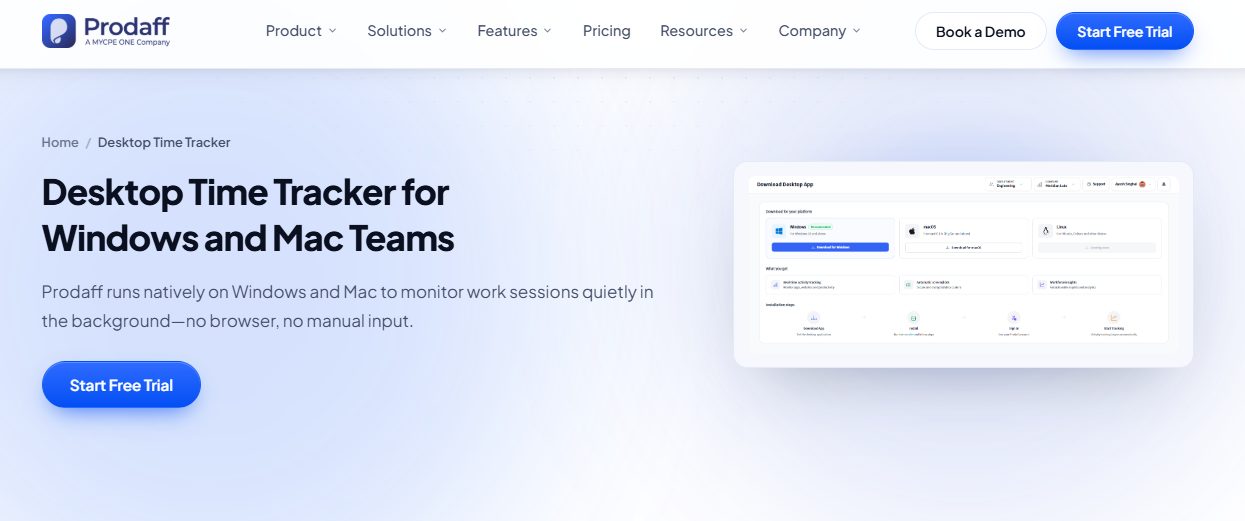
Pricing: Starter begins at $7 per user monthly, or $5 per user monthly on annual billing. Grow begins at $10 monthly, or $8 with annual billing. A 14-day free trial is available.
2. Clockify – Best Free Starting Point for Teams
Clockify remains attractive for teams that want broad time tracking without starting with a large software budget. Employees can use timers, manual entries, timesheets, kiosk options, and multiple device types. Its paid Standard plan adds attendance and overtime, approvals, time off, rounding, and other controls that are useful when time records feed payroll or billing workflows.
Clockify is a practical fit for organizations that want to begin with simple time capture and add structured overtime and approval features as needs grow.
- Free time tracking for teams
- Attendance and overtime in Standard and higher plans
- Timesheet approvals and lock-time controls
- Kiosk, time off, invoicing, reminders, and QuickBooks integration on eligible plans
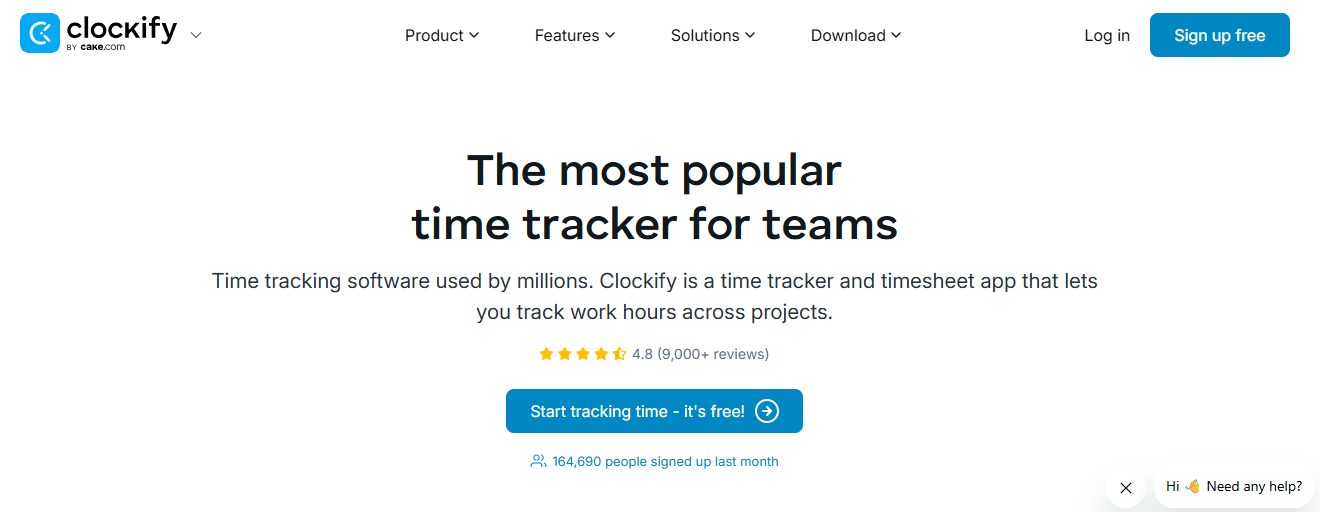
Pricing: A free plan is available. Standard starts at $5.49 per seat per month when billed annually, according to Clockify’s current pricing page.
3. Time Doctor – Best for Remote and Distributed Teams
Time Doctor combines time tracking with workforce analytics aimed at distributed and hybrid teams. Managers can review work time across employees, projects, tasks, applications, and locations, making it easier to see where long hours are concentrated.
It makes the most sense when overtime is tied to remote-work patterns and managers need more context than a basic punch clock provides. Teams should still verify exactly which overtime, scheduling, or payroll features are included in their selected plan before purchase.
- Time and activity tracking
- Project and task visibility
- Workforce analytics for distributed teams
- Attendance and schedule-related reporting
- Productivity and work-pattern insights
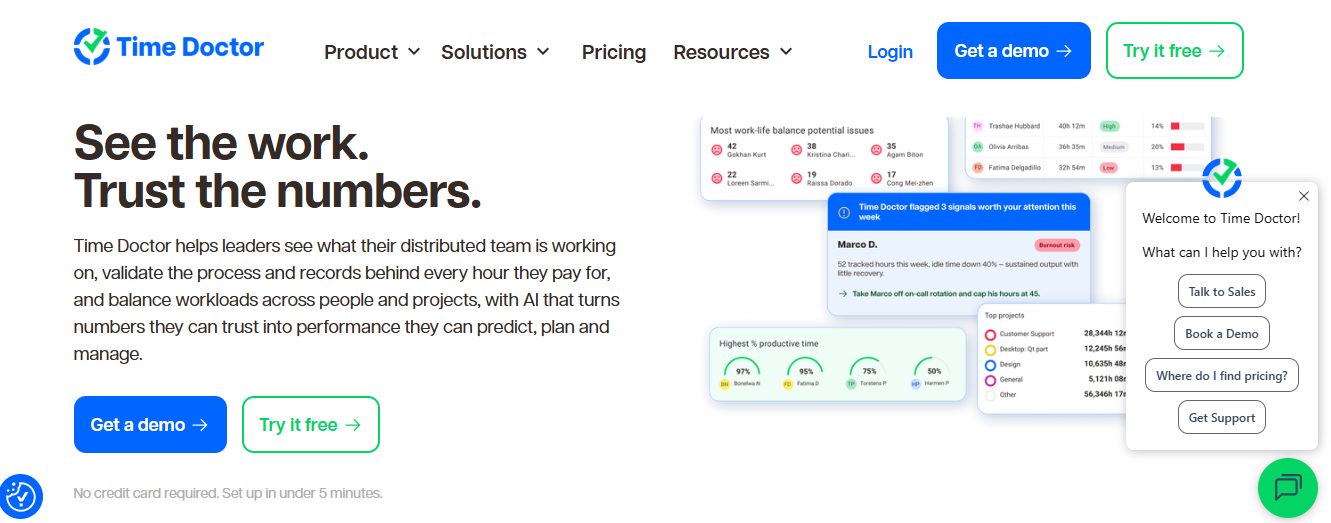
Pricing: Time Doctor uses paid subscription plans. Confirm current plan pricing and included workforce features on the vendor’s pricing page before publishing.
4. Jibble – Best for Attendance, Mobile Clock-In and Field Teams
Jibble focuses heavily on attendance and time clock workflows. It is often considered by businesses that need employees to clock in from phones, kiosks, or specific work locations. Depending on configuration, teams can apply overtime rules and review attendance records before payroll.
Jibble is a stronger match than a desktop-only tool when employees work in stores, facilities, job sites, or other locations where clock-in verification matters.
- Mobile and kiosk clock-ins
- GPS and geofencing options
- Facial-recognition attendance features
- Configurable overtime rules and attendance reporting
- Free plan available for core time and attendance use cases
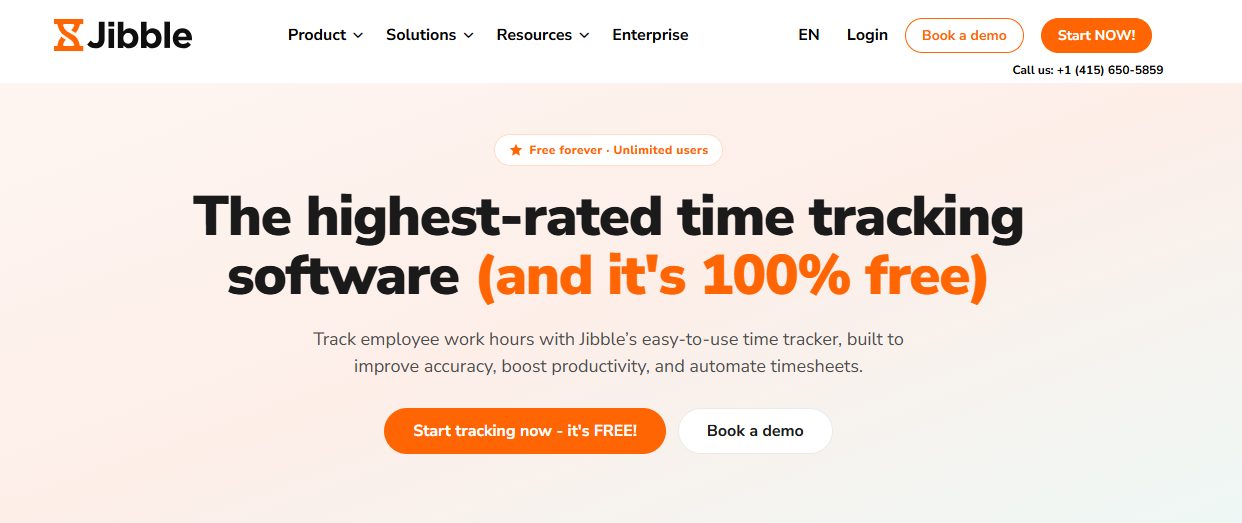
Pricing: Jibble offers a free plan and paid tiers. Check its current pricing page for the features required for your overtime policy.
5. TimeCamp – Best for Reporting, Billable Time and Projects
TimeCamp is useful when overtime needs to be understood alongside projects, client work, billing, and profitability. Its Starter plan includes attendance, time off, and overtime tracking, while higher tiers add deeper productivity and collaboration features.
For agencies, professional services firms, and project-driven teams, this makes it easier to distinguish “extra hours worked” from “extra hours that were actually necessary or billable.”
- Automatic and manual time tracking
- Attendance, time off, and overtime tracking
- Project and task reporting
- Billable time and financial tracking on higher plans
- Export and reporting options for analysis
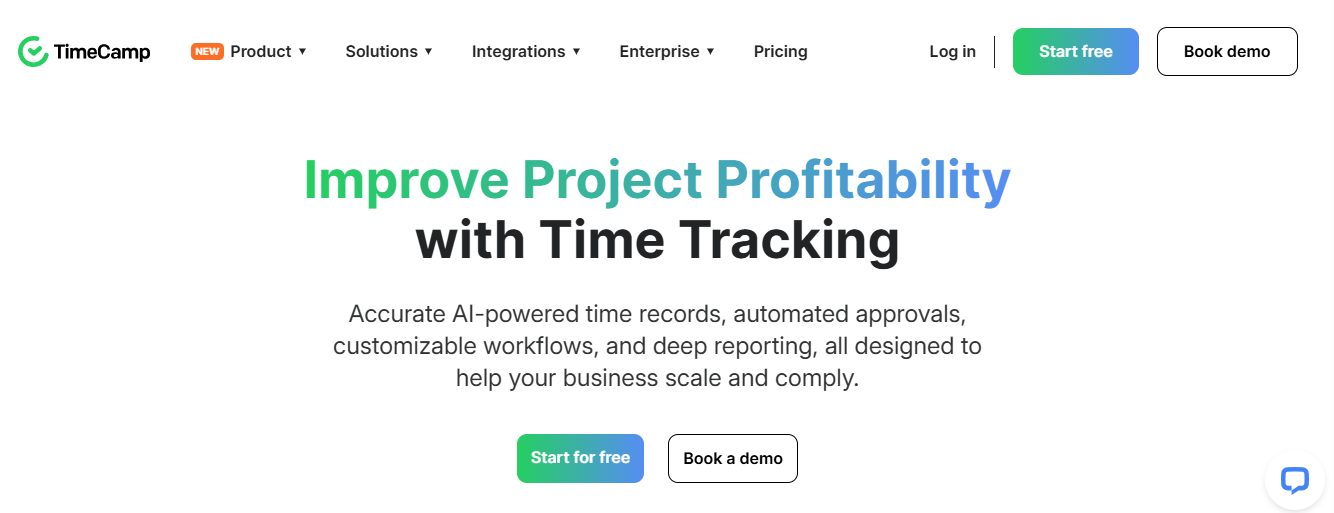
Pricing: Free plan available. Starter is $3.99 per user per month when billed annually or $5.49 month-to-month, based on TimeCamp’s current pricing page.
6. Hubstaff – Best for Remote and Field Workforce Visibility
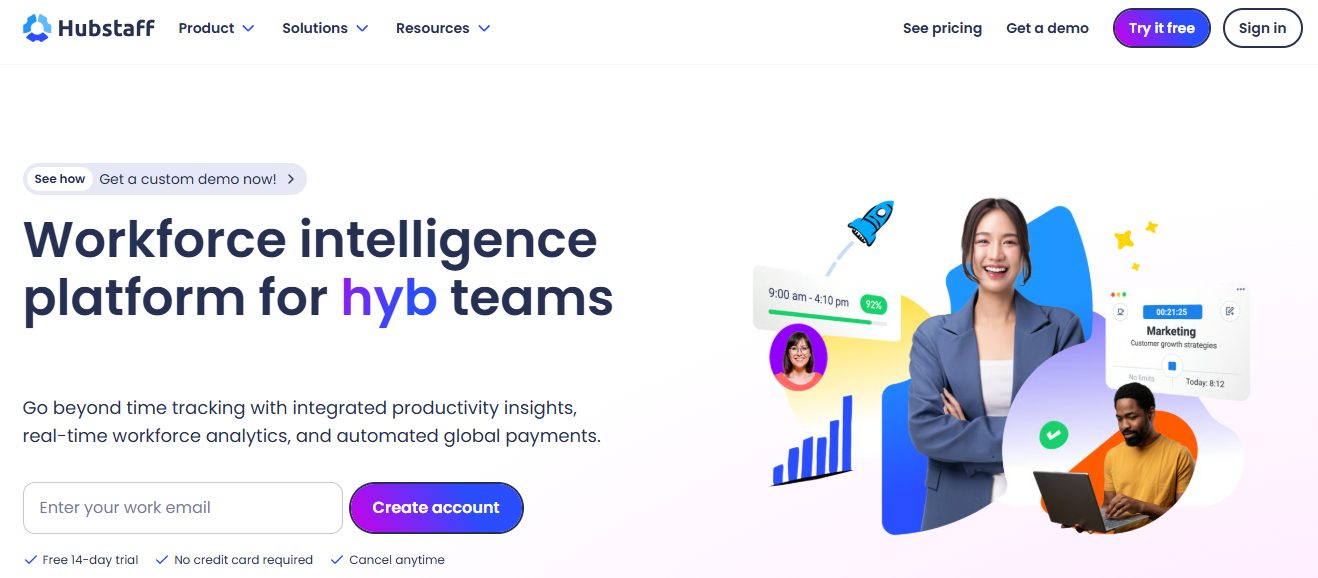
Hubstaff combines time tracking with activity data and location-oriented workforce features. It is frequently used by remote teams, agencies, and field workforces that want to connect hours with projects, activity, or location data.
Hubstaff is worth considering when overtime risk comes from both remote desktop work and field activity. Businesses should match the plan carefully to the monitoring, payroll, and scheduling features they actually need.
- Time and project tracking
- Activity and productivity visibility
- GPS and location features for eligible workflows
- Timesheets and team reporting
- Payroll and workforce integrations depending on plan
Pricing: Hubstaff offers paid plans with features that vary by tier. Verify current pricing before publication.
7. Deputy – Best for Shift-Based and Hourly Workforces
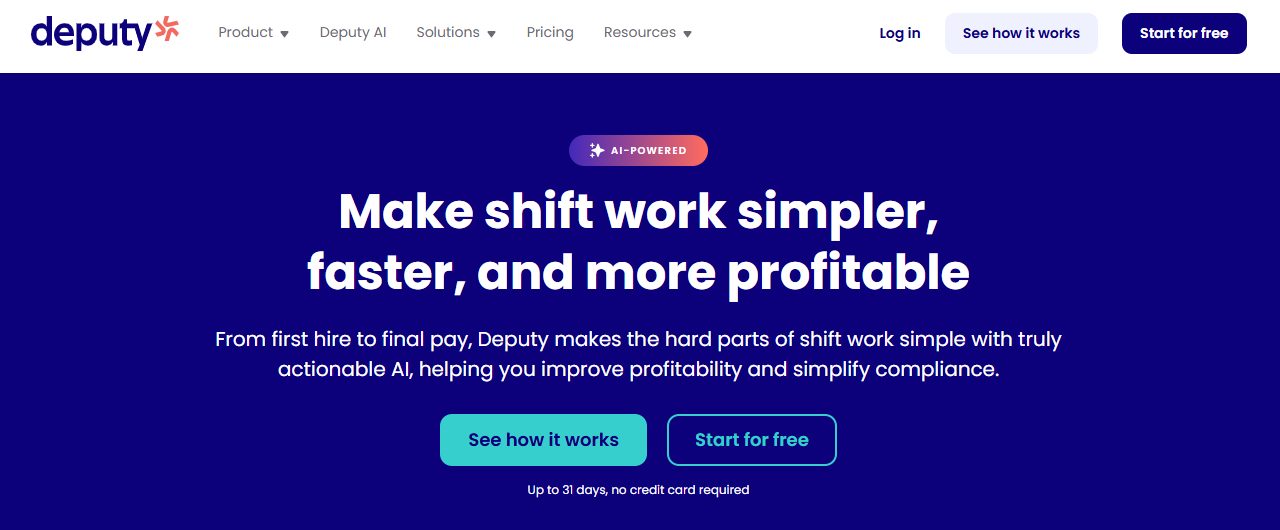
Deputy approaches overtime from the scheduling side. It is designed for shift-based businesses that need employee scheduling, time clocks, attendance records, and manager workflows around hourly labor.
Restaurants, retail, healthcare, hospitality, and other hourly operations may benefit more from a scheduling-first platform like Deputy than from a desktop productivity tracker.
- Employee scheduling and shift planning
- Time clock and attendance records
- Break and hour controls
- Manager approvals
- Payroll integrations and exports
Pricing: Deputy uses paid subscription plans. Confirm the latest plan pricing and overtime-rule availability for your region before purchase.
How Do You Choose the Right Overtime Tracking App?
Start with the work environment, not the feature list. A remote accounting team and a multi-location restaurant may both need overtime records, but they need very different ways to capture those records.
- For desktop and professional-services teams: Prioritize task-level time, idle-time handling, productivity insights, attendance, and clean reporting. Prodaff is designed around this use case.
- For shift-based hourly teams: Look for scheduling, break rules, mobile or kiosk clock-ins, approvals, and payroll integrations.
- For field teams: GPS, geofencing, offline tracking, and mobile time clocks can matter more than screenshot or app-usage features.
- For project-based teams: Choose tools that connect time to clients, projects, billable rates, budgets, and profitability.
- For compliance-sensitive teams: Review access controls, data retention, employee notice practices, auditability, and the labor rules that apply in each location.
How Prodaff Fits Into an Overtime Management Workflow
For desktop-based teams, overtime problems often begin long before payroll. A project runs late. One employee absorbs work from another. A remote team stretches its day across time zones. Or managers simply do not see the pattern until the month-end report arrives.
Prodaff helps close that visibility gap by combining employee time tracking, attendance tracking, idle-time data, task tracking, screenshots, application usage, and detailed reports in one environment. Managers can review actual work patterns earlier and use those records to make staffing, project, and payroll decisions with better context.
For teams comparing broader workforce tools, Prodaff also has guides on choosing employee time tracking software and the 2026 employee monitoring software buyer’s guide.
A Simple Overtime Tracking Example
Suppose a covered nonexempt employee works 46 hours in a workweek and has a regular rate of $24 per hour. Ignoring other compensation that could affect the regular-rate calculation, the six hours above 40 would generally be overtime hours under the FLSA. The overtime rate would be $36 per hour, making the overtime portion $216 for those six hours.
The software’s job is to make the 46-hour record reliable and reviewable. Payroll’s job is to apply the correct pay rules. Keeping those responsibilities separate helps businesses avoid assuming that a time tracker alone guarantees wage-and-hour compliance.
Common Overtime Tracking Mistakes to Avoid
- Treating scheduled hours as if they were the same as hours actually worked.
- Waiting until payroll day to investigate missing punches or unexplained extra time.
- Assuming unauthorized overtime does not have to be paid when compensable work was actually performed.
- Using one overtime rule for every jurisdiction without checking state or local requirements.
- Ignoring idle time, breaks, after-hours work, or manual corrections when reviewing records.
- Collecting more employee activity data than the business actually needs.
- Buying a tool for screenshots or GPS without first deciding how managers will use the data.
Conclusion
The best overtime tracking app is not necessarily the one with the longest feature list. It is the one that captures the right hours, makes exceptions visible, fits the way your team works, and gives managers enough time to act before overtime becomes a payroll surprise.
For desktop-based, remote, offshore, and professional teams, Prodaff offers a strong combination of time tracking, attendance, idle-time detection, task visibility, productivity insights, and reporting. Shift-heavy or field-heavy businesses may prefer tools with stronger scheduling, GPS, kiosk, or mobile-first workflows.
Whichever platform you choose, treat overtime software as part of a larger process: accurate time capture, clear policies, manager review, correct payroll calculations, and compliance with the rules that apply to your workforce.
Frequently Asked Questions
An employee overtime tracking app records work hours and helps managers identify time worked beyond a normal schedule or configured threshold. Depending on the software, it may also provide attendance, approvals, alerts, scheduling, payroll integrations, or productivity reports.
Under the federal FLSA, covered nonexempt employees generally earn overtime after 40 hours worked in a workweek. Some states and local rules may require daily overtime or impose additional requirements, so employers should check the rules that apply to each employee.
Some platforms can apply configured overtime rules automatically. Others primarily capture work hours and provide reports for payroll review. Businesses should confirm exactly how a platform handles overtime thresholds, regular rates, breaks, approvals, and jurisdiction-specific rules.
For remote desktop teams, tools such as Prodaff and Time Doctor can provide detailed time and work-pattern visibility. The better fit depends on whether you need attendance and productivity reporting, payroll automation, screenshots, project tracking, or broader workforce analytics.
Field teams usually benefit from mobile clock-ins, GPS, geofencing, offline capability, and scheduling. Jibble, Hubstaff, and other mobile-first workforce tools are worth evaluating for these use cases.
Prodaff can help managers identify and review overtime by providing accurate time tracking, attendance data, idle-time visibility, task records, and detailed reports. Employers should then apply their own overtime and payroll rules to those records.
Pricing ranges from free entry-level plans to roughly $5–$15 or more per user per month for tools with advanced attendance, monitoring, reporting, scheduling, payroll, or security features. Enterprise plans are often custom priced.
Employee time tracking is generally permitted when implemented lawfully, but privacy, notice, consent, monitoring, and labor requirements vary by jurisdiction. Employers should use clear policies, collect only necessary data, and seek legal guidance where needed.