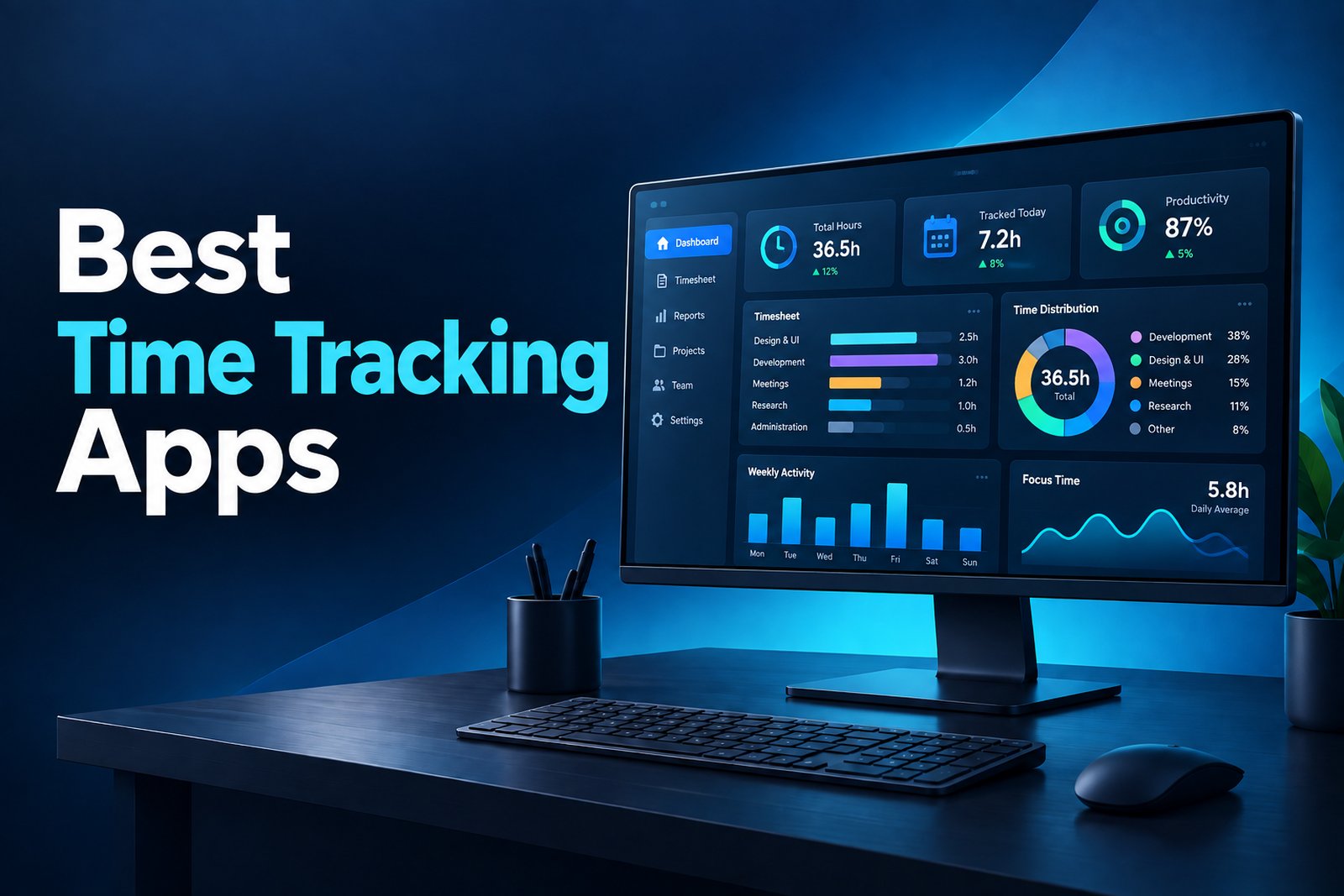
Windows remains the operating system behind a huge share of office, remote, service, and operations work.
That makes choosing the right time tracker more important than simply finding an app with a Start button. The best Windows time tracking apps in 2026 need to capture hours accurately, fit into daily workflows, produce usable reports, and give managers enough visibility without turning every workday into a monitoring exercise.
This updated guide compares 12 tools already featured in Prodaff’s Windows time-tracking roundup and tightens the focus around how teams actually use them today. Some are lightweight timers built for freelancers. Others combine timesheets, billing, attendance, app usage, or productivity analytics. If your priority is verified work hours rather than manual entries, employee time tracking software with desktop-based tracking can be a better fit than a browser-only timer.
Key Takeaways
- The best Windows time tracker depends on the job: billing, payroll, attendance, productivity analysis, and personal focus are different use cases.
- Desktop-first tracking reduces missed entries because work hours can be captured closer to where the work actually happens.
- Free plans are useful for basic time logging, but growing teams often need approvals, attendance controls, reporting, or project-level visibility.
- Employee monitoring features such as screenshots, app usage, and activity data should be configured transparently and only when they serve a clear business purpose.
- Before buying, test the Windows desktop experience, reporting quality, privacy controls, and whether tracked data can flow into payroll, billing, or project workflows.
Best Time Tracking Apps for Windows in 2026 at a Glance
| Tool | Best for | Tracking style | Standout capability |
|---|---|---|---|
| Prodaff | Growing desktop-based teams | Desktop-first automatic/session tracking | Time, idle activity, screenshots, reporting and attendance on higher plans |
| Toggl Track | Freelancers and billable teams | Manual timer + desktop app | Simple time entry and client/project reporting |
| Clockify | Budget-conscious teams | Timer + timesheets | Strong free tier and flexible reporting |
| Harvest | Agencies and consultants | Timer + weekly timesheets | Time tracking tied to invoicing and budgets |
| TimeCamp | Teams wanting affordable automation | Automatic + manual | Activity tracking, attendance and reporting |
| Hubstaff | Remote, hybrid and field teams | Timer + activity monitoring | Screenshots, app/URL activity and location tools |
| Jibble | Attendance-heavy and field teams | Clock-in/out + attendance | GPS, geofencing and attendance controls |
| QuickBooks Time | QuickBooks-centered businesses | Clock-in/out + timesheets | Payroll/job-costing workflow inside QuickBooks ecosystem |
| My Hours | Freelancers and small teams | Timer + manual entries | Simple project budgets and billing reports |
| Everhour | Teams using project tools | Embedded timers + manual entries | Deep Asana/Jira/project-management integrations |
| Time Doctor | Remote teams needing detailed visibility | Timer + activity analytics | App/web tracking, screenshots and productivity reports |
| Rize | Individuals and knowledge workers | Automatic personal tracking | Focus analysis and distraction management |
Pricing note: Public pricing changes frequently. Prodaff currently lists Starter at $7/user/month on monthly billing, with lower quarterly and yearly rates. Clockify, TimeCamp, My Hours, Everhour, Harvest, and Hubstaff also publish tiered pricing. Always verify vendor pricing before purchase.
What Should a Windows Time Tracking App Actually Do?
A Windows time tracker should do more than record a total number of hours. For a business team, the useful question is whether the tool creates reliable data that managers, finance teams, and employees can actually use. That usually means a mix of accurate time capture, task or project context, reporting, approvals, and privacy controls.
- Run reliably on Windows without forcing employees to live in a browser tab.
- Support automatic or low-friction time capture so missed timers do not become a weekly cleanup task.
- Separate active work, idle time, breaks, projects, and tasks when those distinctions matter.
- Produce exportable reports for payroll, billing, project reviews, or client documentation.
- Give administrators role-based controls over screenshots, activity data, and sensitive information.
- Scale from a small team to multi-department reporting without turning setup into an IT project.
If payroll and approvals are the main concern, online timesheet software may matter more than deep activity analytics. If leaders need to understand focus, app usage, and work patterns, productivity monitoring software becomes more relevant.
1. Prodaff – Best for Desktop-Based Team Visibility
Prodaff is built for organizations that want time, attendance, and productivity data from desktop work without depending entirely on self-reported timesheets. Its current pricing page lists Starter at $7 per user/month on monthly billing and Grow at $10, with discounted quarterly and yearly options.
- Desktop-first time tracking
- Idle-time tracking
- Screenshots with admin controls
- Advanced reporting and notifications
- App usage tracking, attendance, task control and leave management on Grow
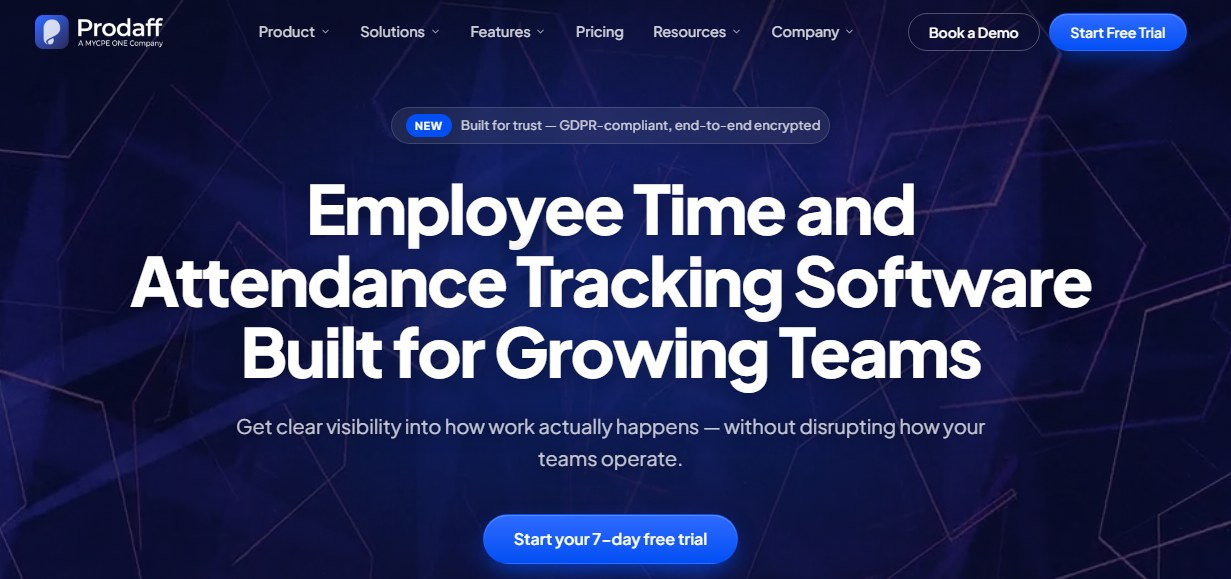
Best for: Growing businesses, BPOs, agencies, professional services teams, and remote or hybrid groups that want one Windows-oriented system for time and work visibility.
2. Toggl Track – Best for Simple Billable Time
Toggl Track remains a strong fit for users who want a clean timer with little setup. The Windows desktop app supports quick tracking while its reporting and project structure make it useful for client work and internal cost analysis.
- One-click timers
- Project and client tracking
- Calendar integrations
- Idle reminders
- Detailed reports and billable-hour workflows
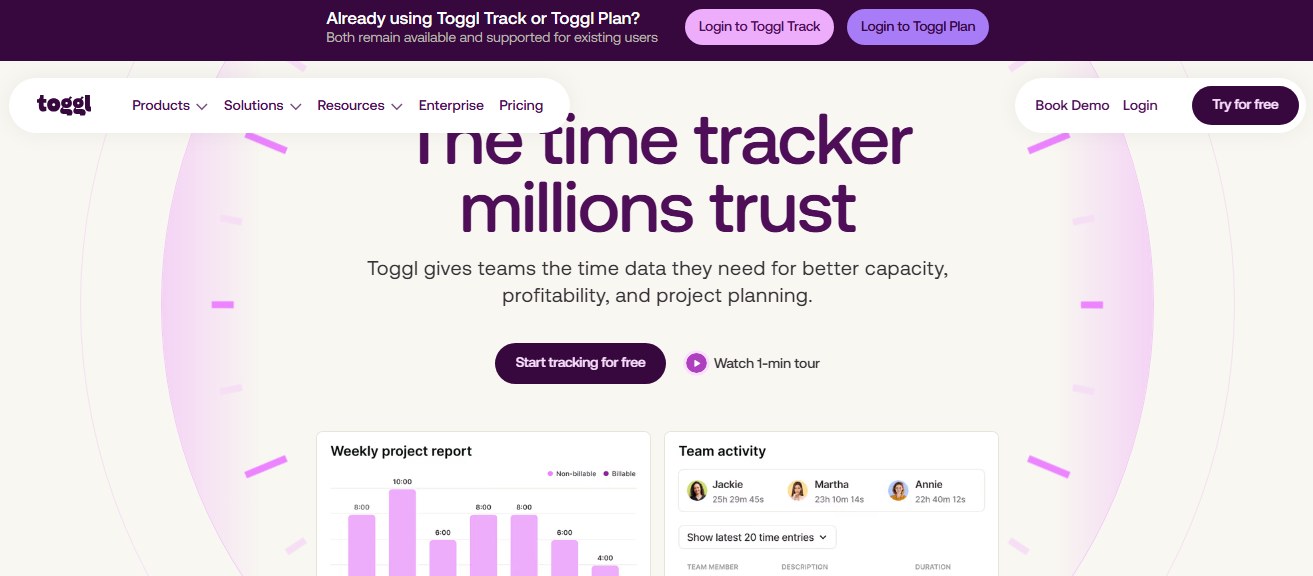
Best for: Freelancers, consultants, agencies, and small teams that prioritize fast adoption over heavier workforce monitoring.
3. Clockify – Best for Teams Starting with a Free Plan
Clockify is widely used because its core time-tracking plan can support large teams without forcing an immediate paid upgrade. Paid tiers add stronger administrative features such as approvals, attendance and overtime, invoicing, and more advanced controls.
- Timer and manual entries
- Timesheets
- Projects, clients and tasks
- Reports and exports
- Attendance, overtime and approval features on paid plans
Best for: Teams that need basic Windows time tracking at low cost and want room to add administrative controls later.
4. Harvest – Best for Time Tracking Plus Invoicing
Harvest connects time capture with budgets, invoicing, expenses, and client work. Its 2026 public pricing lists a free plan for one seat and paid team pricing that starts from $9 per seat/month when billed annually.
- Time tracking and weekly timesheets
- Project budget visibility
- Invoicing and expenses
- Team reporting
- Accounting and payment integrations
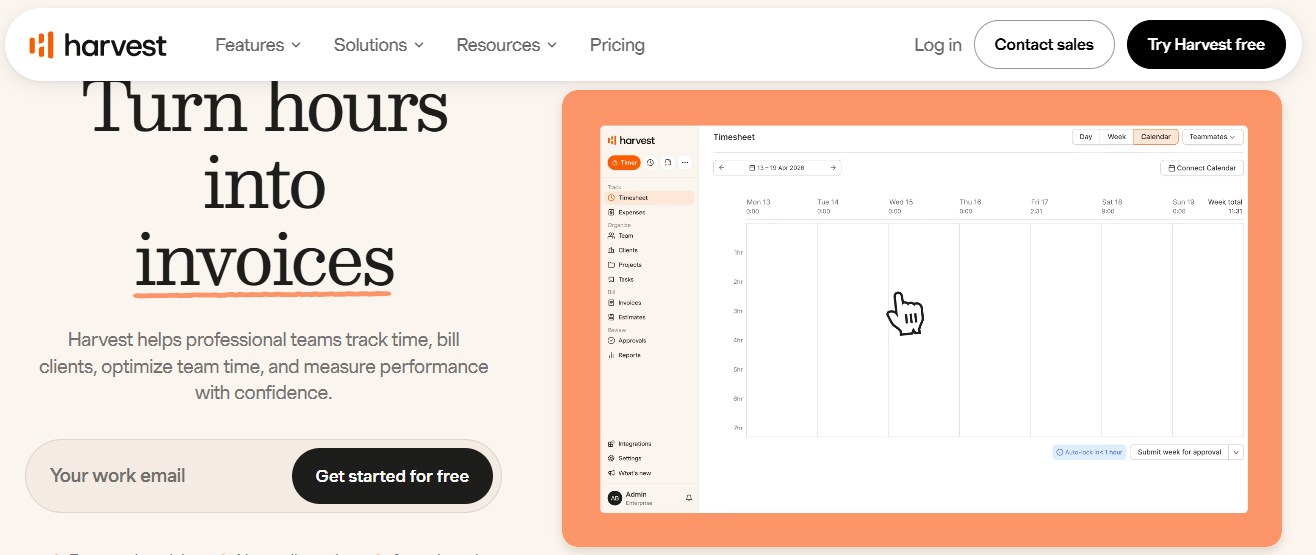
Best for: Consultancies, agencies, and service businesses where tracked hours feed directly into invoices and project profitability.
5. TimeCamp – Best for Affordable Automatic Tracking
TimeCamp combines manual and automatic tracking with attendance and activity features. Its current public pricing includes a free plan, with paid plans starting at $3.99 per user/month when billed annually.
- Automatic and manual time tracking
- App and website activity categorization
- Attendance and time-off tools
- Project and billing reports
- Timesheet approvals on higher plans
Best for: Desk-based teams that want more automation than a simple timer without moving into expensive workforce analytics.
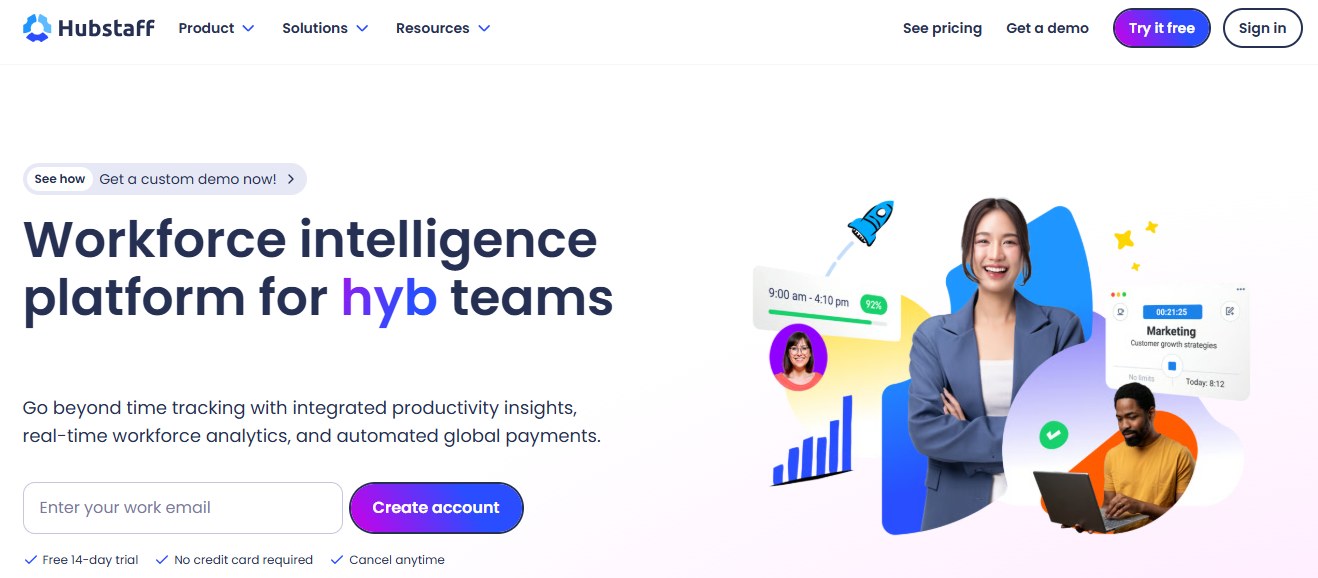
6. Hubstaff – Best for Remote and Field Teams
Hubstaff blends time tracking with productivity data and location-based workforce features. Its published 2026 pricing guide lists annual Starter pricing from $4.99 per user/month, with higher tiers adding broader reporting and workforce management capabilities.
- Time and activity tracking
- Automated timesheets
- Optional screenshots
- App and URL tracking
- GPS, scheduling and attendance features
Best for: Distributed, hybrid, and field teams that need proof of work or location data alongside tracked hours.
7. Jibble – Best for Attendance-Focused Teams
Jibble leans more toward attendance, clock-ins, and location controls than deep desktop productivity analytics. That makes it useful when the core problem is verifying who started work, where they were, and whether attendance records are complete.
- Clock-in/out workflows
- GPS and geofencing
- Facial recognition options
- Attendance and timesheets
- Project and client tracking
Best for: Field teams, shift-based teams, and organizations where attendance accuracy matters more than application-level productivity analysis.
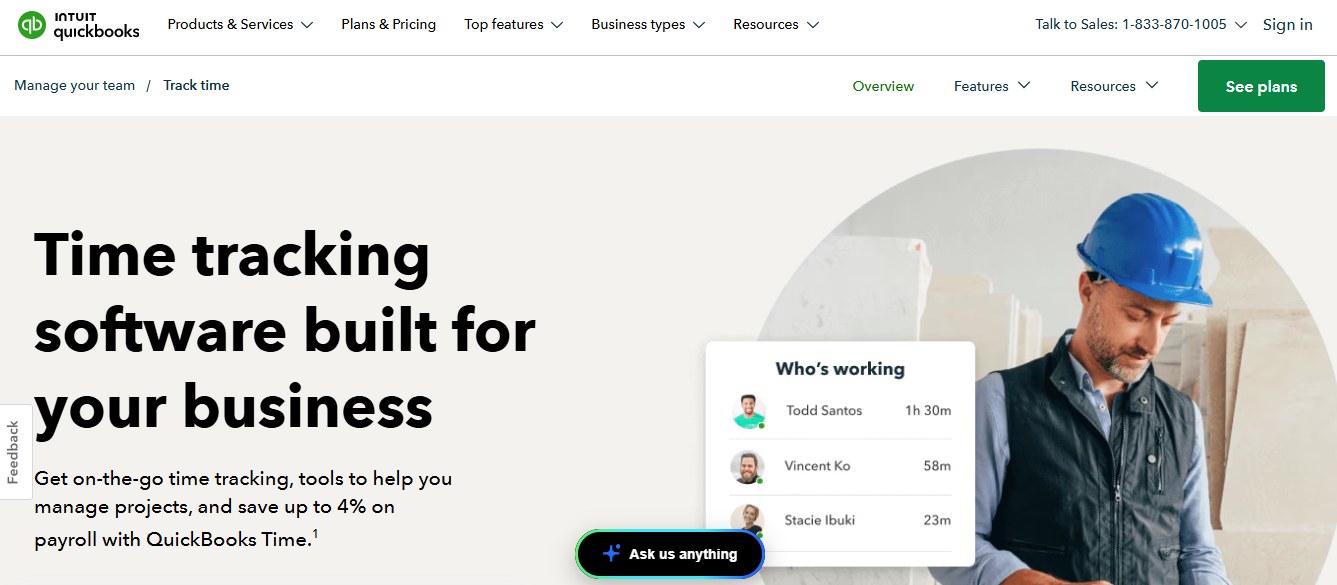
8. QuickBooks Time – Best for QuickBooks Workflows
QuickBooks Time is most attractive to businesses already committed to the QuickBooks ecosystem. Time entries, scheduling, approvals, and job-related data can fit more naturally into accounting and payroll workflows than with a standalone tracker.
- Employee time tracking
- Scheduling and approvals
- Mobile and field tracking
- Job and project time
- QuickBooks ecosystem integration
Best for: Small and midsize businesses that already use QuickBooks and want time records close to payroll and job costing.
9. My Hours – Best for Small Teams That Want Simplicity
My Hours offers a straightforward project time-tracking experience with budgets, rates, expenses, and reporting. Its current pricing includes a free plan for up to five active users, Basic at $4 per user/month annually, and Pro at $8 annually.
- Timer and manual entries
- Project and task tracking
- Budget and rate controls
- Timesheet submissions
- Reports and exports
Best for: Freelancers and small service teams that want project-based time tracking without heavy monitoring features.
10. Everhour – Best for Teams Living in Asana or Jira
Everhour is built around deep project-management integrations. Instead of forcing teams into a separate time-tracking workflow, it puts timers, estimates, budgets, and reporting closer to the work systems people already use.
- Native project-management integrations
- Timers and manual entries
- Budgeting and billing
- Invoicing
- Reporting and team capacity views
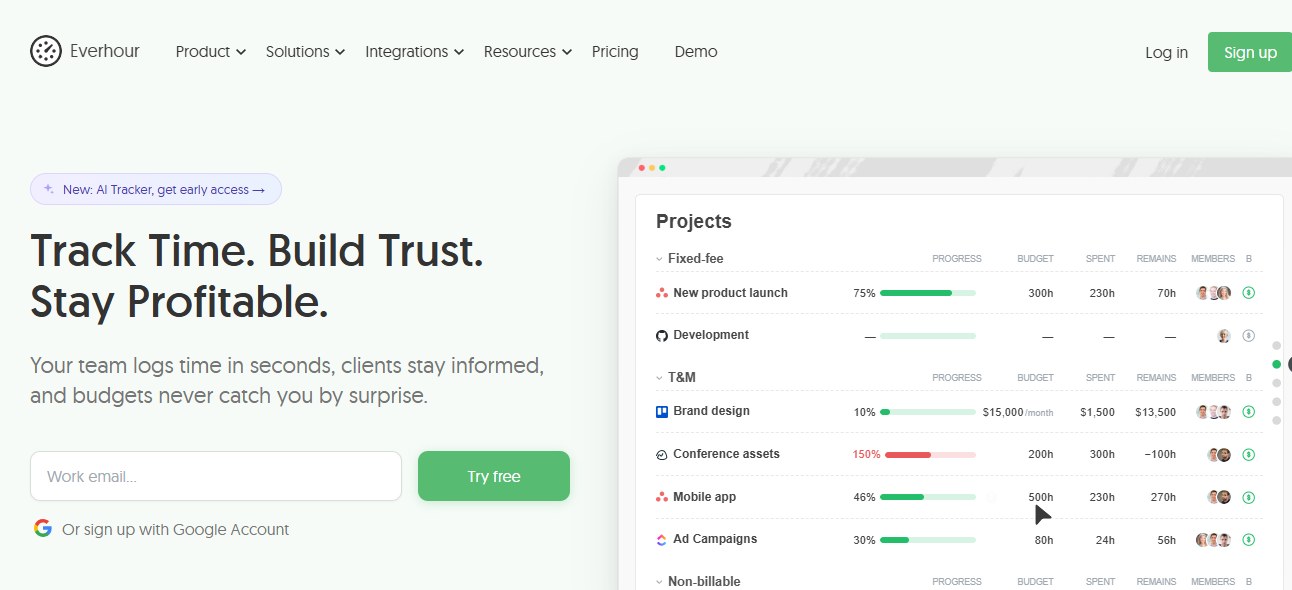
Best for: Project teams that spend most of the day inside tools such as Asana, Jira, ClickUp, or similar work-management platforms.
11. Time Doctor – Best for Detailed Remote-Team Activity Data
Time Doctor goes beyond basic timesheets with application and website usage data, screenshots, and productivity analytics. That extra detail can be useful for remote operations, but teams should configure monitoring carefully so the data supports management rather than creating unnecessary surveillance.
- Time tracking
- App and website usage analysis
- Optional screenshots
- Attendance and scheduling features
- Productivity and activity reports
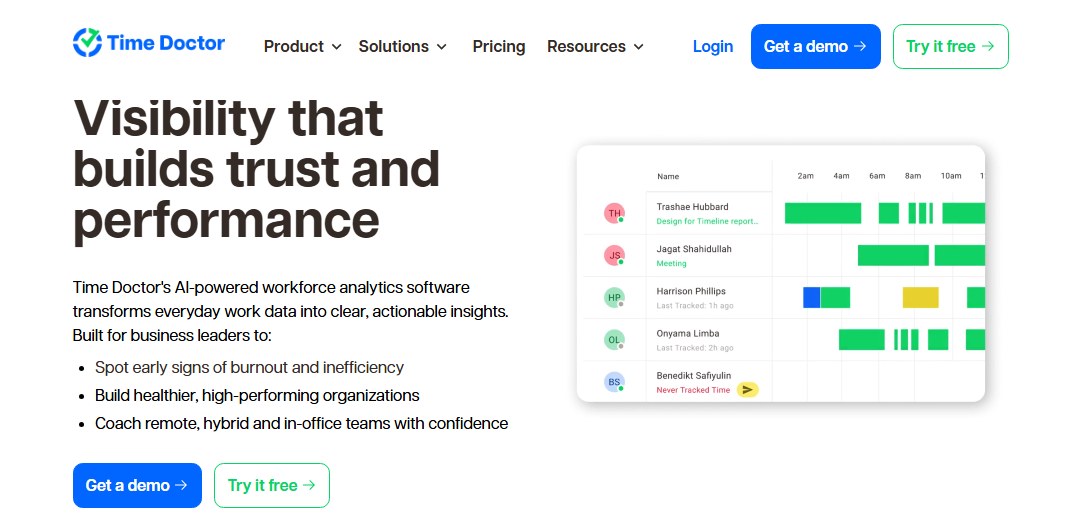
Best for: Remote teams, outsourcing operations, and managers that need more detailed activity context than a standard timer provides.
12. Rize – Best for Personal Focus and Work Habits
Rize is different from most tools on this list because it is primarily a personal productivity tracker rather than a workforce-management platform. It automatically analyzes work patterns and helps individuals understand focus, distractions, and break habits.
- Automatic activity categorization
- Focus analytics
- Distraction controls
- Break reminders
- Personal productivity trends
Best for: Individuals, developers, writers, and other knowledge workers who want to improve their own focus rather than manage employee attendance or payroll.
How to Choose the Right Windows Time Tracking App
1. Decide What You Are Actually Measuring
Billable time, attendance, payroll hours, task allocation, productivity patterns, and field location are different requirements. Start with the business decision the data needs to support.
2. Test the Windows Desktop Experience
A tool can look great in a web demo and still create friction on employee PCs. Test startup behavior, offline handling, idle detection, updates, resource use, and how obvious it is when tracking is active.
3. Match Reporting to the Audience
Employees may need a personal timesheet. Managers may need team trends. Finance may need approved hours. Leadership may need workload or productivity summaries. Make sure the same system can serve those views without exporting data into multiple spreadsheets.
4. Review Privacy Controls Before Rollout
Screenshots, app history, activity levels, and location data should never be enabled simply because the software offers them. Define what is necessary, document the policy, restrict access, and tell employees what is collected.
5. Pilot Before Company-Wide Deployment
Run a small pilot across a representative Windows team. Check data accuracy, employee experience, reporting usefulness, and the amount of manual correction still required before expanding.
Windows Time Tracking vs. Employee Monitoring
Time tracking and employee monitoring overlap, but they are not the same thing. A time tracker answers questions such as when work started, how long a task took, or how many billable hours belong to a client. Monitoring tools may add application usage, screenshots, activity levels, website history, or location data.
For most teams, the better approach is to collect only the data needed for the business purpose. If the goal is attendance, use an employee attendance tracking system. If the goal is payroll-ready approvals, use timesheets. If the goal is workload analysis, add productivity data deliberately instead of defaulting to maximum visibility.
Where Prodaff Fits for Windows Teams
Prodaff is strongest when a company wants Windows-based time tracking to connect with attendance, idle-time visibility, screenshots, reporting, and productivity analysis rather than live as a separate timer. The current Starter plan includes advanced time tracking, idle-time tracking, screenshots, reporting, and admin controls. Grow adds app usage, attendance, task control, and leave management.
For teams comparing desktop trackers, this makes Prodaff more relevant to operational management than to solo freelancers who only need a stopwatch. You can review the current Prodaff pricing plans before rollout, then test the system with a small Windows team to confirm the level of tracking fits your policies and workflow.
Final Thoughts
The best time tracking app for Windows in 2026 is not the one with the longest feature list. It is the one that captures the right data with the least friction and turns that data into something useful. Freelancers may be perfectly served by Toggl Track, Harvest, My Hours, or Clockify. Teams that need attendance or location controls may lean toward Jibble, QuickBooks Time, or Hubstaff. Teams that need deeper desktop work visibility will care more about Prodaff, Time Doctor, or similar productivity-focused platforms.
Before committing, define the business problem, test the Windows app with real users, verify reports against actual work, and keep monitoring settings proportional to the goal. Good time tracking should reduce admin work and improve decisions. If it creates more cleanup, confusion, or distrust than the spreadsheet it replaced, it is the wrong fit.
Frequently Asked Questions
There is no single best option for every team. Prodaff fits organizations that want desktop time, attendance, and productivity visibility; Clockify and TimeCamp work well for budget-conscious teams; Harvest is strong for invoicing; and Toggl Track is a simple choice for billable time.
Yes. Clockify, TimeCamp, My Hours, and several other vendors offer free plans or free entry tiers. Limits vary by users, projects, reporting, and administrative features, so compare the current plan details before rollout.
Yes. Some tools can track activity automatically or reduce the need for manual timers. Others still depend on employees starting and stopping a timer. Automatic tracking can improve completeness, but organizations should configure it transparently.
Prioritize reliable desktop tracking, task or project context, idle-time handling, exportable reports, approvals, role-based access, privacy controls, and integrations with the systems that use the data.
No. Time tracking focuses mainly on hours, tasks, and projects. Employee monitoring can include additional data such as screenshots, app usage, website activity, or location. Businesses should collect only what they need for a clear operational purpose.
Yes, if the platform can capture work hours accurately and provide review or approval workflows. Automated timesheet systems can reduce re-entry and make payroll or billing preparation more consistent.